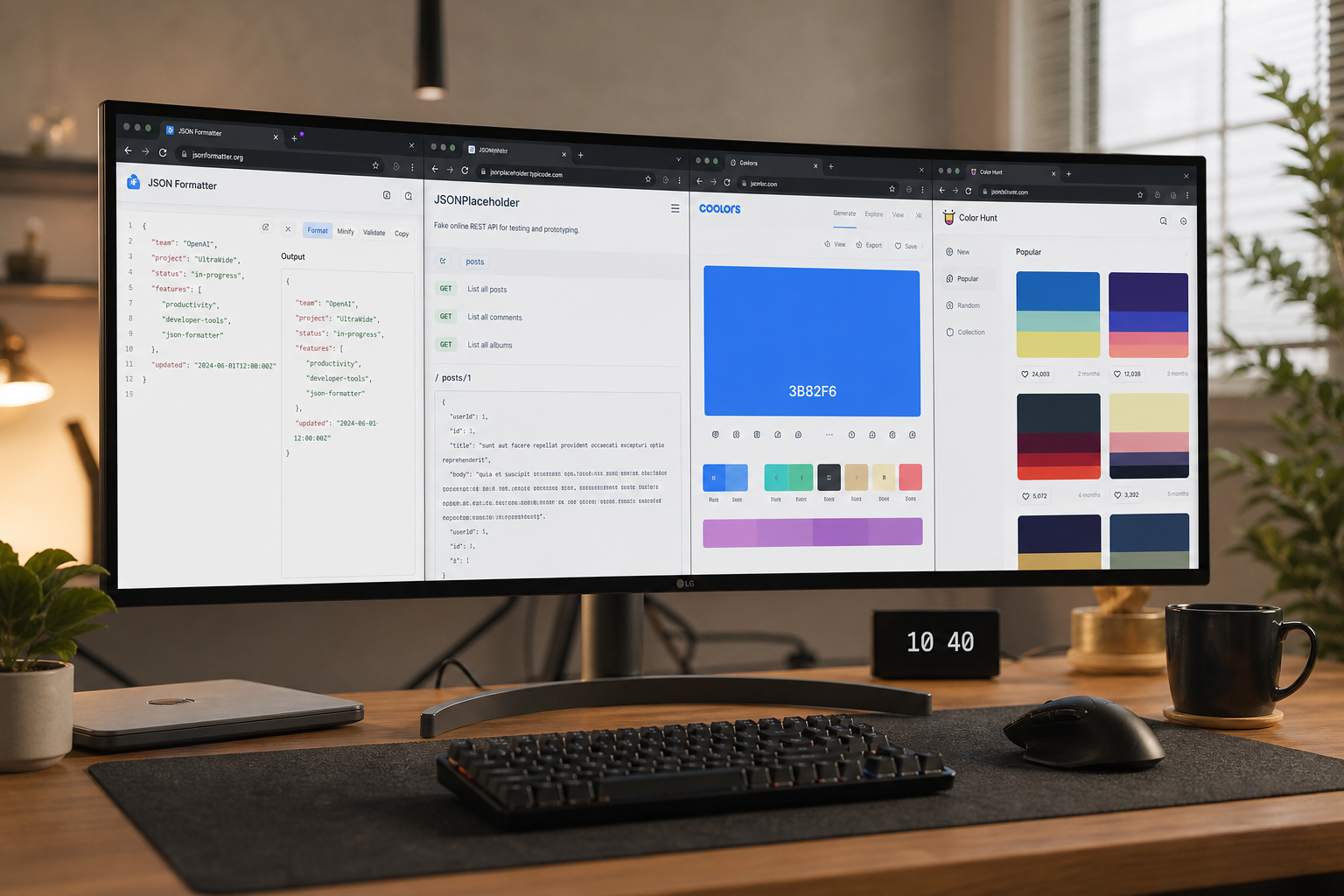
Build a faster daily workflow with free browser-based developer tools for JSON, URLs, hashes, timestamps, and encoding tasks.
The Modern Developer Daily Toolkit Landscape
Software engineers interact with dozens of micro-tasks daily: decode a JWT claim, format ugly JSON from curl, convert epoch timestamps, generate UUIDs for test fixtures, hash strings for cache keys, and encode redirect URLs. IDE plugins and CLI utilities cover many cases, but browser-based tools win when corporate laptops restrict installs, contractors use borrowed machines, or pair programming needs instant shareable results without context switching to terminal panes.
Workflow fragmentation costs minutes per interruption accumulating into hours weekly. Bookmark discipline—organized folders for formatting, encoding, security, and design utilities—reduces repeated searches landing on ad-heavy pages. ToolsFree.org consolidates common tasks under All Tools with consistent UI and privacy posture so muscle memory transfers between tools.
Choosing browser workflows does not reject CLI mastery; it complements situations demanding zero setup latency. The effective developer fluidly moves between jq, openssl, and browser tabs depending on environment constraints rather than ideological purity.
Morning Standup to Incident Response: Scenario Walkthrough
Morning: copy overnight error log JSON into JSON Formatter to pretty-print nested exceptions before pasting excerpts into standup notes—redacting user IDs manually. Mid-morning: product shares UTM-tagged URL needing verification; URL Encoder encodes query parameters consistently for QA test cases. Pre-lunch: designer sends hex color from Figma; Color Converter converts to RGB for chart library config.
Afternoon incident: on-call engineer receives JWT from failing API gateway; JWT Decoder decodes header and payload locally confirming clock skew on exp claim without sending token to untrusted decoders. Post-incident: generate new API test UUIDs via UUID Generator and random passwords for rotated service accounts via Password Generator. Evening: document timeline converting Unix milliseconds with Timestamp Converter for postmortem accuracy across time zones.
This narrative is not hypothetical complexity—it mirrors real cadence without installing niche desktop apps per task. Standardizing on one trusted domain reduces cognitive load choosing where to paste sensitive artifacts during stress.
- Keep a pinned browser folder for approved ToolsFree.org tools.
- Redact secrets before sharing formatted output in tickets.
- Verify network tab shows no uploads during tool use.
- Pair browser tools with CLI for scripting repetitive batch jobs.
Integrating Browser Tools with IDE and CI Pipelines
Browser utilities excel at exploratory debugging; CI pipelines demand scripted equivalents. Use browser sessions to prototype transformations—regex for URL encoding rules, JSON shape expected—then codify in tests. Export sample outputs from JSON Formatter minify experiments as golden files committed to repos after validation.
IDE deep links opening formatted JSON in default browser via temp files bridge worlds when plugins lag. VS Code REST Client extensions display raw responses benefitting from external pretty-print when responses exceed editor performance on megabyte blobs. Avoid manual copy-paste loops by documenting when to escalate from browser to jq scripts.
Pull request templates remind contributors to run formatters locally, but reviewers still spot-check with browser tools when CI JSON schema validation errors lack readable diffs. Harmonize pretty-print indent width team-wide—two versus four spaces debates waste review cycles.
Collaboration, Pairing, and Remote Workflows
Screen sharing during pairing sessions benefits from large readable formatted JSON in browser windows zoomed for remote viewers—terminal fonts often too small for Mob programming. Shared browser bookmarks in team wiki pages onboard interns faster than tribal knowledge grep commands.
Slack snippets truncate long payloads; linking to internal runbooks referencing All Tools encourages self-service formatting before asking channels. Record Loom tutorials demonstrating JWT decode workflows emphasizing local processing privacy—visual habits stick better than text policies.
Time zone distributed teams align on UTC timestamps using Timestamp Converter during incident bridges, eliminating mental UTC+5 arithmetic errors assigning correlation IDs across regions.
curl -s https://api.example.com/v1/user | jq .\n# Browser fallback when jq unavailable on Windows guest laptopMobile, Tablet, and Field Engineering Use Cases
Field engineers at client sites without admin rights use phone browsers to format PLC export JSON or encode configuration URLs emailed from support. Responsive ToolsFree.org layouts matter when desktop unavailable on factory floors. Mobile clipboard quirks require extra tap confirmation—tools should surface copy success feedback clearly.
Tablets in workshops scan QR codes generated offline then immediately test URL Encoder encoding on resulting URLs before deploying digital signage campaigns. Touch targets and dark mode reduce eye strain during late-night cutover windows.
Offline-first after initial load helps basements with poor signal during network equipment installs—service worker caching on static tool sites is underrated operational resilience.
Security Hygiene While Using Online Utilities
Even privacy-first client-side tools cannot prevent users from screenshotting secrets into unsecured channels. Establish team norms: decode structure locally, redact signatures and PII before sharing, rotate credentials if accidental exposure suspected. Browser profiles separate work and personal extensions reducing cross-contamination risk.
Avoid simultaneous browser extensions offering “helpful” JSON prettification that sync to vendor clouds—conflicting extensions duplicate DOM access increasing leak surface. Periodic bookmark audits remove deprecated tools acquired from outdated blog posts now domain-parked with malicious replacements.
ToolsFree.org tools avoid account creation eliminating password reuse on yet another SaaS login attackers might target. Simplicity is security feature when credential sprawl plagues engineering organizations.
Building Your Personal Default Workflow
Start by listing last week’s formatting and encoding tasks; map each to a bookmarked ToolsFree.org tool or CLI equivalent. Remove duplicate bookmarks to ad-funded alternatives. Configure browser sync encrypted so bookmarks survive machine swaps. Add All Tools to new hire docs alongside git and issue tracker links.
Revisit quarterly when new utilities launch—hash algorithm additions, new color spaces, QR WiFi modes—and prune unused habits. Productivity gains compound subtly: fewer context switches, fewer leaked secrets, faster incident timelines documented with accurate timestamps and readable JSON attachments.
Share feedback with maintainers when workflows almost work—keyboard shortcuts, dark mode persistence, larger paste buffers—community input shapes tools developers rely on daily. Browser developer workflows are professional infrastructure deserving same curation as linter configs and shell dotfiles.
Measure improvement concretely: track mean time to format incident payloads before and after standardizing on JSON Formatter, or count support tickets closed faster when tier-one uses URL Encoder to reproduce encoded links customers paste incorrectly. Small per-task savings aggregate into meaningful sprint capacity recovered for feature work instead of formatting chores.
Putting This Guide Into Daily Practice
Knowledge only helps when it becomes habit. Bookmark this page and return when you hit the specific problem it describes—search engines surface long-tail queries like the ones covered here because people need answers at the moment of failure, not during leisurely reading. Save worked examples in your team wiki with before-and-after snippets so junior developers inherit fixes instead of rediscovering them.
Pair reading with immediate experimentation. Open the relevant ToolsFree.org tool in an adjacent browser tab, paste real data from a sanitized log, and confirm the output matches expectations. Client-side tools mean you can iterate ten times in a minute without rate limits or account walls. Screenshot successful workflows for internal training decks.
Search rankings reward depth, clarity, and pages that satisfy intent completely. This article targets practical completion: you should leave with a checklist, not vague awareness. When standards evolve—NIST password guidance, WCAG revisions, new CSS color spaces—revisit authoritative sources and update your internal playbooks. ToolsFree.org publishes guides aligned with its free utilities so theory and practice stay connected.
Questions Teams Ask During Code Review
Reviewers should ask whether this change affects external integrations, published APIs, or user-visible output. If yes, link to the relevant test fixture and manual QA steps. Documentation updates belong in the same pull request as behavior changes—not a follow-up ticket that never ships.
Performance matters for client-side utilities: large payloads may slow browser formatters on low-end phones. Chunk huge JSON files in editors or use streaming parsers on the server. ToolsFree.org tools target everyday payload sizes developers paste during debugging, not multi-gigabyte dumps.
Share this guide with support staff who field customer tickets about malformed data. First-line triage improves when non-engineers can validate JSON or URLs before escalating to on-call.
Frequently Asked Questions
Teams often ask whether browser-based tools are safe for confidential data. ToolsFree.org runs utilities client-side without uploading input to servers—a model described in the privacy policy and relevant when handling credentials, tokens, or customer records during debugging.
Another common question is how this topic relates to automated testing. Unit tests catch regressions; manual validation catches one-off vendor payloads and copy-paste errors from spreadsheets. Use both layers rather than treating passing CI as proof that production traffic will always parse.
Finally, people ask which official standard to cite in compliance documents. Link primary sources—IETF RFCs, W3C recommendations, NIST special publications—rather than blog summaries alone. This article summarizes practical steps; your security questionnaire may require direct citations to those authorities.
Advanced Tips for Teams and Solo Developers
Document the failure modes described in this guide inside your runbook so on-call engineers resolve incidents faster. Link directly to the relevant ToolsFree.org utility for one-click validation during bridge calls. When sharing examples in Slack or email, paste sanitized snippets rather than production data containing customer identifiers or secrets.
Version your internal examples when APIs change. A JSON sample from 2024 may mislead new hires if field names shifted during a migration. Date-stamp wiki pages and assign owners to refresh them quarterly. Search engines reward fresh, accurate content—your internal docs should follow the same discipline.
Combine manual validation with automated tests. Browser tools excel at exploratory debugging; CI pipelines excel at regression prevention. Neither replaces the other. After fixing an issue manually, add a fixture so it never returns silently. Mature teams treat every production parser error as a missing test case until proven otherwise.
Mobile developers and field technicians increasingly debug from phones. ToolsFree.org tools are responsive—use them on tablets during site visits when a laptop is unavailable. Client-side processing avoids VPN requirements for simple format checks, though always follow your organization data-handling policy before pasting sensitive content anywhere.
Bookmark the full toolkit and streamline your daily developer micro-tasks. All Tools →