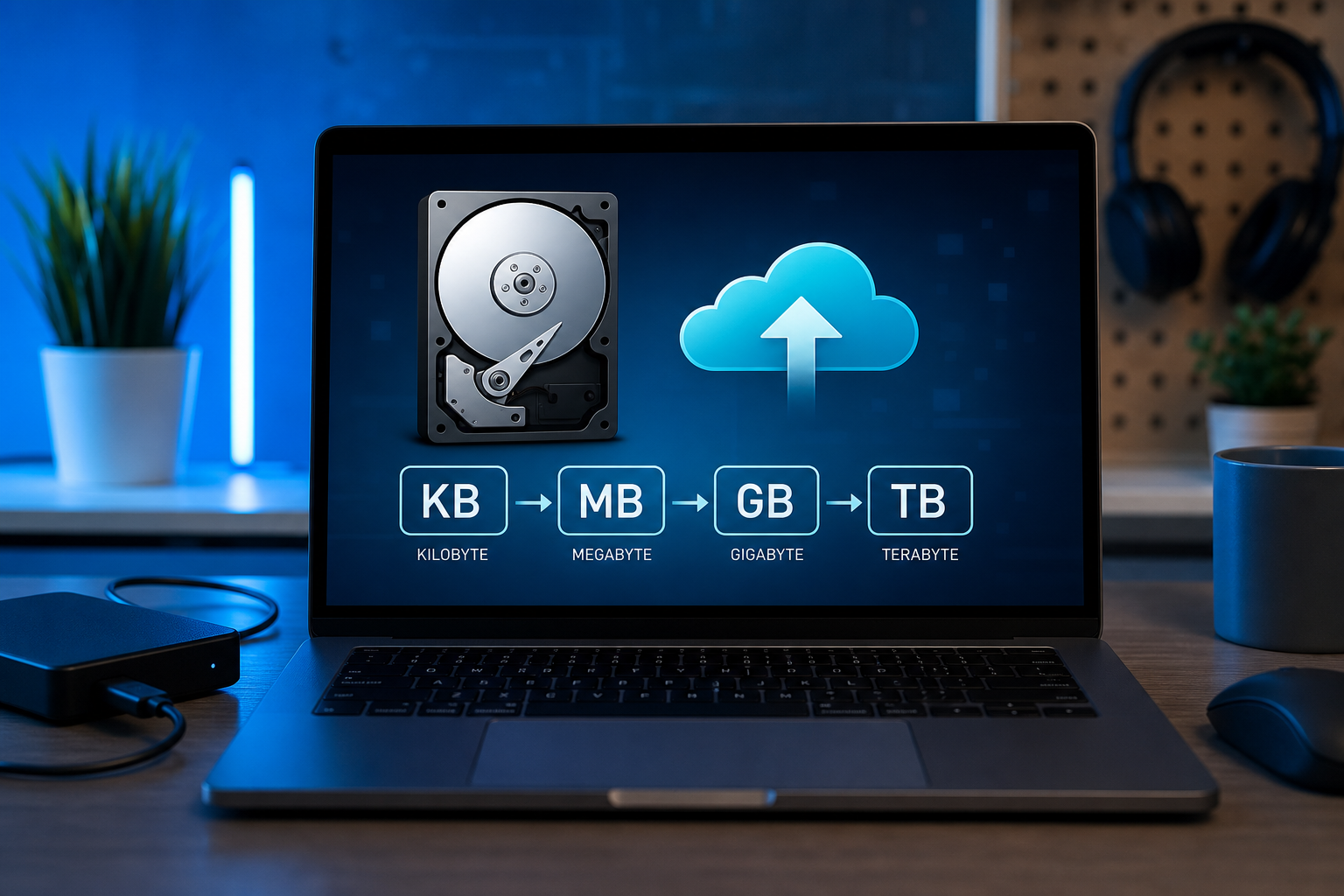
Convert between kilobytes, megabytes, gigabytes, and terabytes. Binary vs decimal units for developers and everyday users.
Bits, Bytes, and Why Storage Marketing Confuses Everyone
Digital storage conversations mix bits and bytes, then multiply the confusion with rival definitions of kilo, mega, and giga. A byte is eight bits in modern computing. Networks often quote bits per second, while disk tools quote bytes, so a 100 Mbps link does not move one hundred megabytes per second. Understanding the unit in front of you prevents false alarms when downloads “look slow” but match the ISP plan. The Unit Converter on ToolsFree.org converts storage magnitudes quickly while you reconcile screenshots from different vendors.
Hard drive manufacturers historically advertised decimal SI units where one gigabyte is 10^9 bytes. Operating systems often displayed binary gibibytes where 2^30 bytes appear, making a “1 TB” drive show roughly 931 GB. Neither side is simply lying; they use different radix conventions. Power users and procurement teams must specify which definition a contract means. Ambiguity costs money when cloud invoices and NAS UIs disagree by double-digit percentages.
Procurement RFPs should require vendors to declare SI versus IEC units in writing for capacity, throughput, and pricing on every line item. Ambiguous slides are a warning sign of future invoice pain. Ask for worked examples that convert a one-terabyte decimal workload into the exact billable quantity their console will display to admins. If they cannot answer cleanly, expect disputes later. Attach your own conversion appendix to the contract so both parties share a numeric glossary before the first renewal cycle begins in earnest.
SI Decimal Units vs IEC Binary Units
The International System of Units defines kilo, mega, giga, and tera as powers of ten. The International Electrotechnical Commission standardized kibi, mebi, gibi, and tebi as powers of two—KiB, MiB, GiB, TiB—to reduce ambiguity. Many developer tools still label binary quantities as KB or GB out of habit. When precision matters, prefer KiB/MiB notation in technical documents and spell out the multiplier once.
Memory modules are almost always binary-based; a “8 GB” DIMM is 8 × 2^30 bytes. Flash marketing may use decimal. File progress dialogs vary by OS version. Create an internal cheat sheet and stick conversions in runbooks. Use the Unit Converter during incidents instead of mental math that drops a factor of 1024 under stress.
Educators teaching computer literacy can use the classic missing space on a new drive story to introduce scientific prefixes and binary realities together in one lab. Have students convert the same byte count with the Unit Converter and explain which UI they trust for which operational task. Concrete exercises beat memorizing a chart that will be forgotten by the next semester. Graduates who internalize unit discipline make fewer capacity mistakes in cloud roles where a misplaced zero becomes an expensive recurring habit.
- 1 KB (decimal) = 1,000 bytes
- 1 KiB (binary) = 1,024 bytes
- 1 GB (decimal) = 1,000,000,000 bytes
- 1 GiB (binary) = 1,073,741,824 bytes
KB to TB in Practical Engineering Contexts
Log lines and JSON payloads are often kilobytes; container images and databases climb through megabytes and gigabytes; analytical lakes and backup vaults live in terabytes and beyond. Choosing compression, batch sizes, and retention policies depends on honest unit math. A pipeline that claims to move “2 GB/min” should clarify whether that is decimal or binary and whether it counts compressed or raw bytes. Write the unit next to every SLO.
When comparing cloud object storage classes, watch for pricing per GB-month in decimal GB as providers define them. Sudden cost spikes sometimes come from misunderstanding multipart upload overhead or from logging verbosity measured in unexpected terabytes. Convert invoice line items into the same unit your monitoring dashboard uses. Align FinOps and engineering language deliberately.
Network Throughput vs Storage Capacity
Converting between megabits per second and megabytes per second requires dividing by eight, then accounting for protocol overhead. A theoretical maximum rarely equals sustained application throughput. Disk sequential throughput and IOPS describe different constraints than capacity. A huge volume that is slow still fails user experience goals. Capacity planning must include growth rates, not only today’s inventory.
Backup windows are classic unit puzzles: terabytes to copy, hours available, and megabytes per second achievable across the WAN. Convert everything to a single base unit before dividing. The Unit Converter reduces arithmetic mistakes; pair it with measured throughput from real transfers rather than brochure numbers. Document assumptions about compression ratios separately so they do not silently inflate optimism.
# Rough conversion reminder
# 800 Mbps ≈ 100 MB/s before overhead
# 1 TiB at 100 MB/s ≈ 2.9 hours theoretical
Human Interfaces: Progress Bars and Rounding
UIs round aggressively, which can make 0.98 GiB look like 1 GB and confuse diff comparisons. Prefer showing one decimal place plus the unit symbol for mid-sized files. For very small files, bytes or KiB are clearer than fractional MB. Consistency across mobile and desktop clients matters more than picking the theoretically purest unit.
Accessibility readers should hear unambiguous units—“mebibytes” or “megabytes”—especially when your audience includes procurement specialists. Avoid dual labels that conflict. If you must show both SI and IEC, explain the duality once in help text. Link internal docs to All Tools so support agents convert customer screenshots consistently during tickets.
Programming APIs and Integer Overflow Risks
Languages expose file sizes as integers that may be 32-bit on older APIs, capping around 2 GiB and causing overflow bugs. Prefer 64-bit sizes everywhere. When displaying, convert using floating-point carefully near boundaries so you do not print 1024 MiB as 1.000 GiB incorrectly due to rounding. Unit tests should include values just below and above each boundary.
APIs that accept human strings like “10GB” must document decimal versus binary parsing. Ambiguous parsers are vulnerability-adjacent when quotas enforce limits. Explicit suffixes (MiB vs MB) reduce abuse and confusion. Log both raw bytes and rendered units for auditability. During debugging, paste numbers into the Unit Converter to confirm your code’s conversion matches expectations.
Storage Planning Worked Scenarios
Suppose each application log line averages 800 bytes and you emit five hundred lines per second across a fleet. That is roughly 400 KB/s, about 34.5 GB/day decimal before indexing overhead. Compression might cut that dramatically, but indexes and replicas multiply again. Walk through the math in design docs with explicit units on every line so reviewers catch missing factors of replication.
Another scenario: migrating 12 TB decimal of images between regions at sustained 200 MB/s. Convert to a common unit, divide, and add headroom for retries. Share the worksheet with stakeholders who only see marketing terabytes. When disagreements arise, re-measure a sample transfer. Empirical data plus clear unit notation beats tribal rules of thumb.
Everyday Workflow With a Unit Converter
Keep the Unit Converter bookmarked for procurement reviews, incident math, and documentation edits. Convert vendor claims into the unit your monitoring already uses before escalating. Combine with the Hash Generator when verifying large file integrity after transfers so capacity and correctness checks happen together. Browse All Tools for related developer utilities on ToolsFree.org that support the same privacy-minded browser workflow.
Standardize team language: bytes in APIs, clearly labeled GB or GiB in humans interfaces, and bits for network rates. Teach newcomers the drive-shows-931-GB story once so they stop panicking about “missing” space. Clear units are unglamorous infrastructure for clear thinking—exactly the sort of habit that prevents expensive misunderstandings.
- Label every metric with an explicit unit
- Prefer KiB/MiB/GiB in technical specs when binary
- Convert before comparing vendor and OS numbers
- Use 64-bit sizes in software APIs
Convert KB, MB, GB, and TB values accurately with the Unit Converter. Unit Converter →