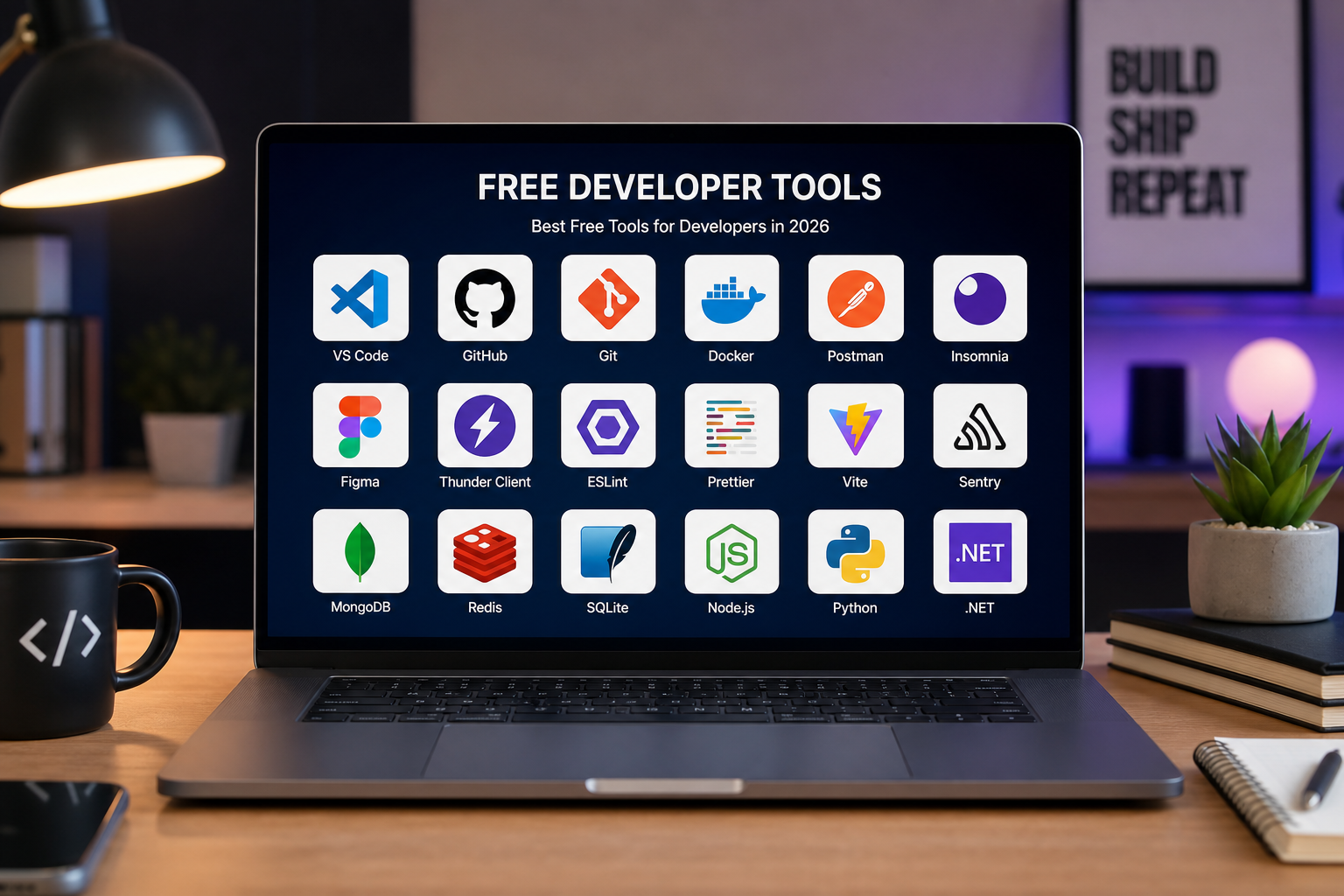
A curated roundup of essential free online tools for developers: JSON, URLs, colors, units, passwords, QR codes, UUIDs, JWTs, and more.
What Developers Need from Free Online Tools in 2026
Developer tooling expectations rose with remote work, faster release cadences, and stricter security reviews. Free utilities must be instant, trustworthy, mobile-capable, and privacy-respecting—not ad-trap pages from the 2010s blogosphere. Engineers evaluate tools on latency, clipboard ergonomics, dark mode, keyboard shortcuts, and whether inputs upload to opaque servers during incidents when paste buffers contain production secrets.
Categories span data formatting, encoding, cryptography helpers, identifiers, time conversion, design tokens, and QR generation—micro-tasks too small for IDE plugins yet too frequent for scripting anew. Consolidated portals beat googling each task separately and risking SEO spam domains mimicking legitimate tools with credential harvesting scripts.
ToolsFree.org packages these utilities under All Tools with unified UX and client-side privacy promises matching 2026 professional standards. Curated roundups help teams standardize bookmarks reducing shadow IT tool sprawl audited quarterly by security.
JSON, URL, and Data Transformation Essentials
JSON Formatter remains the highest-traffic category: pretty-print, minify, validate syntax for REST debugging, webhook triage, and config file cleanup. Pair with schema validators in CI but keep browser formatter for ad hoc exploration. URL Encoder encodes and decodes query strings, resolving encodeURI versus encodeURIComponent confusion during UTM campaign builds and OAuth redirect URI registration.
Base64 and hash utilities support attachment encoding, cache key generation, and checksum verification without openssl memorization on Windows guest laptops. Text case converters rename variables across pasted lists during refactors when IDE multi-cursor unavailable on remote sessions.
Word counters assist technical writers staying within SEO meta description limits and API error message length budgets—surprisingly common product management gate before deploy.
- JSON Formatter — format, minify, validate API payloads.
- URL Encoder — encode/decode URLs and query parameters.
- Base64 Encoder — encode binary-safe text for headers and configs.
- Hash Generator — MD5, SHA-256 for checksums and cache keys.
Security, Identity, and Authentication Helpers
JWT Decoder decodes JSON Web Token headers and payloads locally—critical for debugging exp, iss, aud claims during SSO incidents without sending bearer tokens to server-side decoders logged indefinitely. Password Generator generates cryptographically strong credentials for service accounts and demo users. UUID Generator creates version 4 identifiers for test fixtures matching production UUID formats.
These tools sit in security-sensitive workflows; client-side execution is non-negotiable differentiator when alternatives monetize pasted content. Teams should document approved tools in security wikis replacing ad hoc search results during on-call stress.
Hash generators complement JWT workflows verifying HMAC signatures manually when documentation sparse—though production verification always uses vetted libraries, exploratory debugging benefits from instant digests.
Design, Units, and Physical World Conversions
Color Converter converts hex, RGB, and HSL for design system handoffs when Figma inspectors and CSS variables disagree on format. Unit Converter converts length, weight, volume, and temperature for international e-commerce catalogs, science homework sanity checks, and DevOps capacity planning converting gigabytes to gibibytes without spreadsheet errors.
Designers and engineers share bookmark folders bridging communication gaps— fewer “which blue?” threads when everyone converts #2563EB to rgb(37, 99, 235) instantly. QR tools extend into WiFi guest access and marketing collateral covered in dedicated guides.
Physical unit accuracy matters when API rate limits documented per minute versus second—Timestamp Converter complements unit tools translating epoch seconds for log correlation across microservices.
QR Codes, Timestamps, and Miscellaneous Utilities
QR Code Generator generates WiFi connection codes, vCard contacts, and plain URLs for event signage—client-side generation keeps SSIDs and passwords off server logs. Timestamp Converter converts Unix epoch milliseconds to human-readable UTC and local times during incident bridges spanning time zones—mental UTC arithmetic fails under sleep deprivation.
Case converters and word counters seem mundane until migration projects require renaming hundreds of legacy keys consistently. Small utilities save hours in aggregate across teams of fifty engineers each touching tools weekly.
Miscellaneous does not mean unimportant—onboarding friction drops when interns find everything from All Tools rather than guessing which single-purpose site is safe today.
ToolsFree.org 2026 stack highlights:\nJSON · URL · Color · Units · Password · Base64 · Hash · JWT · UUID · QR · TimestampEvaluating Quality and Avoiding Risky Alternatives
Quality signals include HTTPS, no account walls, responsive layout, readable privacy policy, absence of excessive ads, and Network tab confirming no upload of pasted data. Open client-side JavaScript or reputable maintainer history adds confidence. Tools requesting unrelated browser permissions—contacts, location—fail immediate disqualification.
SEO spam sites clone tool names with malware-laden download buttons adjacent to legitimate UI. Train teams to use org-approved bookmark lists rather than search engines during incidents when judgment impairs. Periodic link rot checks update bookmarks when domains expire to squatted replacements.
ToolsFree.org consolidates trust surface: one domain to review in firewall allow lists, one privacy policy for legal, one UI paradigm reducing relearning friction switching between JSON and URL tasks mid-debugging.
Building Your 2026 Developer Toolchain
Audit current bookmarks: categorize keep, replace, delete. Map each recurring task to All Tools entry or CLI counterpart. Document in team handbook with screenshots for onboarding. Revisit after major releases adding tools—2026 roundup reflects expanding utility coverage as developer needs evolve.
Integrate browser tools with IDE, terminal, and CI rather than treating them competitors. Prototype in browser, automate in pipeline, validate in production monitors—a lifecycle respecting each environment strengths.
Share All Tools with contractors, support tiers, and technical writers—not only backend engineers. Democratizing safe utilities reduces bad paste decisions organization-wide. Free online developer tools matured into professional infrastructure; curate yours deliberately like any other platform dependency.
Future-Proofing Tool Choices as Stacks Evolve
Framework churn continues—React Server Components, edge functions, WASM modules—but JSON, URLs, colors, and timestamps persist as integration primitives regardless of frontend fashion. Investing bookmark discipline in stable primitives amortizes across stack migrations better than framework-specific debug extensions abandoned when repos rewrite.
AI coding assistants generate more JSON configs and OpenAPI stubs requiring human verification. JSON Formatter and schema validators become counterweights ensuring generated artifacts parse and match production constraints before merge. ToolsFree.org utilities complement AI assistance rather than competing—humans still paste, inspect, and approve.
Watch for WebAssembly ports of CLI classics bringing offline speed to browsers while retaining client-side privacy. Until then, ToolsFree.org covers daily needs without install friction. Re-evaluate toolchain each January like dependency upgrades: confirm bookmarks work, privacy policies unchanged, no new trackers slipped in via acquisition.
Teams shipping developer experience as product—platform engineering—should link All Tools from internal portals alongside CI dashboards and service catalogs. External free tools become part of internal platform when security approves them, reducing toil without building mediocre in-house clones maintaining parity forever.
Putting This Guide Into Daily Practice
Knowledge only helps when it becomes habit. Bookmark this page and return when you hit the specific problem it describes—search engines surface long-tail queries like the ones covered here because people need answers at the moment of failure, not during leisurely reading. Save worked examples in your team wiki with before-and-after snippets so junior developers inherit fixes instead of rediscovering them.
Pair reading with immediate experimentation. Open the relevant ToolsFree.org tool in an adjacent browser tab, paste real data from a sanitized log, and confirm the output matches expectations. Client-side tools mean you can iterate ten times in a minute without rate limits or account walls. Screenshot successful workflows for internal training decks.
Search rankings reward depth, clarity, and pages that satisfy intent completely. This article targets practical completion: you should leave with a checklist, not vague awareness. When standards evolve—NIST password guidance, WCAG revisions, new CSS color spaces—revisit authoritative sources and update your internal playbooks. ToolsFree.org publishes guides aligned with its free utilities so theory and practice stay connected.
Questions Teams Ask During Code Review
Reviewers should ask whether this change affects external integrations, published APIs, or user-visible output. If yes, link to the relevant test fixture and manual QA steps. Documentation updates belong in the same pull request as behavior changes—not a follow-up ticket that never ships.
Performance matters for client-side utilities: large payloads may slow browser formatters on low-end phones. Chunk huge JSON files in editors or use streaming parsers on the server. ToolsFree.org tools target everyday payload sizes developers paste during debugging, not multi-gigabyte dumps.
Share this guide with support staff who field customer tickets about malformed data. First-line triage improves when non-engineers can validate JSON or URLs before escalating to on-call.
Frequently Asked Questions
Teams often ask whether browser-based tools are safe for confidential data. ToolsFree.org runs utilities client-side without uploading input to servers—a model described in the privacy policy and relevant when handling credentials, tokens, or customer records during debugging.
Another common question is how this topic relates to automated testing. Unit tests catch regressions; manual validation catches one-off vendor payloads and copy-paste errors from spreadsheets. Use both layers rather than treating passing CI as proof that production traffic will always parse.
Finally, people ask which official standard to cite in compliance documents. Link primary sources—IETF RFCs, W3C recommendations, NIST special publications—rather than blog summaries alone. This article summarizes practical steps; your security questionnaire may require direct citations to those authorities.
Browse the complete 2026 toolkit—free, fast, and private in your browser. All Tools →