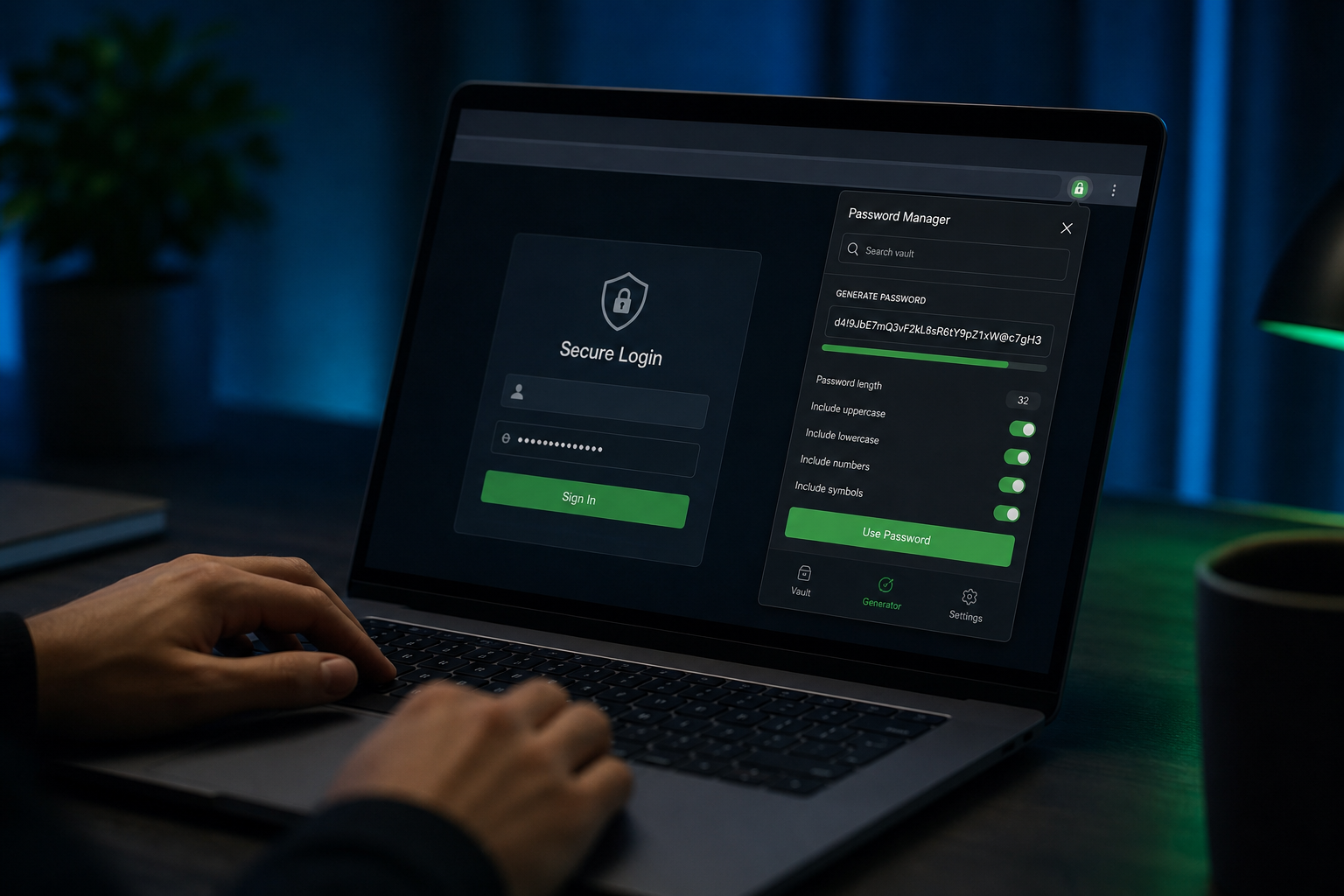
Use current NIST guidance to improve password policies, password generation, managers, and storage decisions in real web applications.
Why NIST SP 800-63B Changed Password Guidance
The National Institute of Standards and Technology Special Publication 800-63B Digital Identity Guidelines reshaped federal and industry password policy starting with the 2017 revision and ongoing updates in the 800-63 suite. NIST de-emphasized arbitrary periodic password rotation and complex composition rules that forced predictable patterns like Summer2024!. Instead, emphasis moved to length, breach screening, and rate-limited authentication with multi-factor options.
Legacy policies requiring symbols and numbers produced passwords humans write down or reuse across sites. Attackers exploit breached credential dumps via credential stuffing regardless of symbol presence. Modern guidance aligns human behavior with threat models: long memorable passphrases or machine-generated random strings resist offline cracking better than eight-character complexity theater.
Organizations cite NIST when updating employee handbooks and SaaS authentication settings. Even non-federal companies adopt 800-63B because auditors recognize the framework. The Password Generator on ToolsFree.org generates cryptographically random passwords matching current length recommendations without storing them on servers.
Minimum Length and Maximum Length
NIST recommends minimum password length of eight characters for user-chosen passwords but encourages allowing and promoting much longer values—64 characters or more at the platform level. Systems must accept at least 64 characters in input fields; truncation without user knowledge is explicitly discouraged because users may believe full passphrase entropy applies when only prefix bytes hash.
Length dominates entropy against offline dictionary attacks when passwords hash with modern algorithms like Argon2id or bcrypt. Each additional random character multiplies search space exponentially. A 16-character random password from a generator exceeds typical composition-constrained eight-character passwords by orders of magnitude.
Passphrases of four or more random words from a large dictionary— diceware style—offer memorability with high entropy when word list is sufficiently large and selection truly random. Avoid famous quotes or song lyrics attackers pre-load in crack dictionaries.
Composition Rules NIST Deprecates
Mandatory periodic password changes without evidence of compromise increase helpdesk load without improving security. NIST advises against requiring arbitrary complexity mixes solely for complexity sake. If implemented, allow passphrases with spaces and Unicode; do not restrict copy-paste which blocks password managers.
Password hints and knowledge-based authentication (mother maiden name) are out of band for high assurance per 800-63B. Security questions leak in breaches and social media. Replace with MFA using FIDO2/WebAuthn hardware keys or authenticator apps for account recovery.
Display strength meters should reflect length and breach status, not arbitrary point systems rewarding punctuation in predictable positions. Educate users that generated passwords from Password Generator beat hand-crafted patterns every time.
- Do not require mandatory periodic rotation without compromise indicator
- Do not impose composition rules that block passphrases and password managers
- Do allow paste from managers and long Unicode passphrases
- Do screen passwords against known breach corpora (HIBP k-anonymity model)
- Do implement rate limiting and MFA for online guessing protection
Breach Detection and Blocked Password Lists
800-63B requires verifying new passwords against breached password corpora and dictionary lists. Have I Been Pwned offers k-anonymity API sending only hash prefixes. Block exact matches and common variants. Inform users why a password rejects without revealing which breach listed it—generic messaging suffices.
Maintain local bloom filters or hash prefix caches for offline validation in high-volume signup flows. Update breach feeds regularly; stale lists miss recent dumps. Corporate SSO should still check service account passwords against breaches during provisioning.
Salting and slow hashing at rest remain essential—bcrypt, scrypt, Argon2id. Breach screening complements never replaces proper storage. Never email passwords in plaintext or store them reversibly except in enterprise vault HSM edge cases.
Multi-Factor Authentication Alignment
Passwords alone satisfy only single-factor knowledge authentication. NIST Authenticator Assurance Levels map password plus TOTP or WebAuthn to AAL2 appropriate for most consumer and business applications. Phishing-resistant FIDO2 keys achieve AAL3 for high-value transactions.
SMS OTP is deprecated for new deployments due to SIM swap risk yet still better than password alone where alternatives unavailable. Prefer push approvals with number matching or hardware keys for administrator accounts.
Recovery codes generated once at MFA enrollment must be stored securely— printable once, hashed at provider if stored for regeneration. The UUID Generator and Password Generator on ToolsFree.org help generate one-time codes during testing; production systems use vetted libraries.
Password Managers and Enterprise Vaults
NIST explicitly encourages password managers generating unique credentials per site, eliminating reuse blast radius when one vendor leaks. IT departments should license enterprise managers rather than banning paste in browser login forms—a practice that paradoxically encourages weak memorable passwords.
Service accounts and API keys require rotation on compromise or personnel change, unlike human passwords on multi-year stability. Document exception processes. Machine secrets belong in vaults with audit logging, not configuration repos.
Train employees on recognizing phishing that captures passwords and MFA prompts in realtime. Technical controls fail when users approve rogue push notifications. Run tabletop exercises alongside policy updates referencing 800-63B.
Implementing NIST Guidance in Application Code
Validate length 8-128+ characters server-side; reject breached passwords via API; hash with Argon2id parameters tuned to server budget (OWASP recommends calibration). Implement exponential backoff on failed login attempts and CAPTCHA only after thresholds to avoid accessibility friction on first errors.
Remove password composition regexes unless compliance mandates legacy compatibility during migration windows. Log authentication events without logging passwords or MFA seeds. Use constant-time comparison for OTP verification.
Document authentication design in security.txt or internal architecture decision records citing 800-63B sections. Penetration testers verify lockout bypass and reset token entropy—use Password Generator generated samples in test plans, never production user data.
Communicating Policy Changes to Users
When dropping periodic rotation, explain clearly: forced changes caused weak patterns; unique long passwords now encouraged. Provide links to approved password managers and the Password Generator for one-off strong passwords during migration.
Support channels need scripts explaining breach rejection messages empathetically without alarmism. Offer MFA enrollment incentives—security keys for admins first, then optional for all users.
Browse All Tools on ToolsFree.org for password, hash, and UUID utilities supporting secure development workflows aligned with NIST modern identity guidance.
Implementing NIST Guidance in Code Reviews
Reject pull requests that shorten maximum password length below sixty-four characters or block paste in login forms. Add automated lint rules for auth UI components. Product managers often request complexity rules for perceived security—push back with NIST citations.
Breached-password blocklists integrate via Have I Been Pwned k-anonymity API or self-hosted bloom filters. Rate limiting and MFA still matter when passwords are allowed to be long and simple. Document your threat model: credential stuffing vs insider risk.
Use the Password Generator to generate sample policies for staging environments. Never reuse demo passwords in production databases—even fake data leaks teach bad habits.
Questions Teams Ask During Code Review
Reviewers should ask whether this change affects external integrations, published APIs, or user-visible output. If yes, link to the relevant test fixture and manual QA steps. Documentation updates belong in the same pull request as behavior changes—not a follow-up ticket that never ships.
Performance matters for client-side utilities: large payloads may slow browser formatters on low-end phones. Chunk huge JSON files in editors or use streaming parsers on the server. ToolsFree.org tools target everyday payload sizes developers paste during debugging, not multi-gigabyte dumps.
Share this guide with support staff who field customer tickets about malformed data. First-line triage improves when non-engineers can validate JSON or URLs before escalating to on-call.
Frequently Asked Questions
Teams often ask whether browser-based tools are safe for confidential data. ToolsFree.org runs utilities client-side without uploading input to servers—a model described in the privacy policy and relevant when handling credentials, tokens, or customer records during debugging.
Another common question is how this topic relates to automated testing. Unit tests catch regressions; manual validation catches one-off vendor payloads and copy-paste errors from spreadsheets. Use both layers rather than treating passing CI as proof that production traffic will always parse.
Finally, people ask which official standard to cite in compliance documents. Link primary sources—IETF RFCs, W3C recommendations, NIST special publications—rather than blog summaries alone. This article summarizes practical steps; your security questionnaire may require direct citations to those authorities.
Advanced Tips for Teams and Solo Developers
Document the failure modes described in this guide inside your runbook so on-call engineers resolve incidents faster. Link directly to the relevant ToolsFree.org utility for one-click validation during bridge calls. When sharing examples in Slack or email, paste sanitized snippets rather than production data containing customer identifiers or secrets.
Version your internal examples when APIs change. A JSON sample from 2024 may mislead new hires if field names shifted during a migration. Date-stamp wiki pages and assign owners to refresh them quarterly. Search engines reward fresh, accurate content—your internal docs should follow the same discipline.
Combine manual validation with automated tests. Browser tools excel at exploratory debugging; CI pipelines excel at regression prevention. Neither replaces the other. After fixing an issue manually, add a fixture so it never returns silently. Mature teams treat every production parser error as a missing test case until proven otherwise.
Mobile developers and field technicians increasingly debug from phones. ToolsFree.org tools are responsive—use them on tablets during site visits when a laptop is unavailable. Client-side processing avoids VPN requirements for simple format checks, though always follow your organization data-handling policy before pasting sensitive content anywhere.
Generate long, random passwords that align with current NIST guidance. Password Generator →