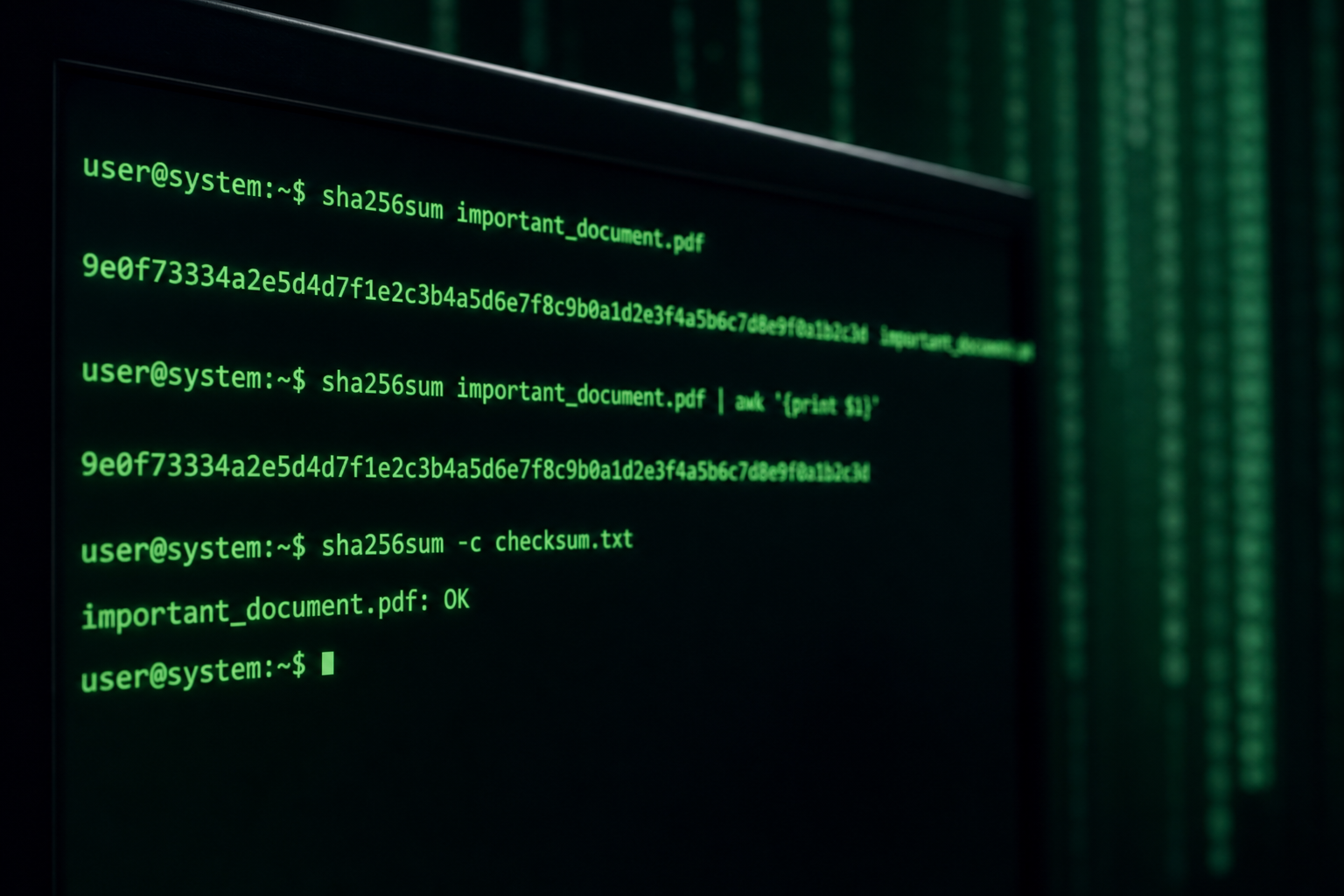
Generate SHA-256 checksums to verify downloads and detect tampering. Practical integrity checks for developers and teams.
What Checksums Prove and What They Do Not
A cryptographic hash digests arbitrary input into a fixed-length fingerprint. If two files produce the same SHA-256 digest, they are extraordinarily likely to be identical; if digests differ, the files differ. Download pages publish checksums so you can verify that a package was not truncated or altered in transit. NIST-standardized SHA-2 and SHA-3 families underpin many of these workflows. The Hash Generator on ToolsFree.org computes digests in the browser for text and small payloads during development checks.
Hashes are not encryption: anyone can hash the same input and get the same output. They also do not authenticate the publisher by themselves. An attacker who replaces both the file and the checksum on a compromised site fools naive users. Prefer checksums delivered over a separate trusted channel, or better, verify signatures with public keys. Treat hashing as integrity against accidental corruption and as one layer in a broader verification story.
Mirror operators should publish checksums next to every artifact and refuse to overwrite a released file without changing the version identifier in the URL. Mutable downloads with the same name and a new hash break trust even when changes are innocent hotfixes. Immutable release URLs plus digests make incidents easier to reason about during incident response. If a hotfix is required, bump the version and ship a new checksum file rather than quietly editing history that downstream scripts already cached worldwide.
MD5, SHA-1, and Why Legacy Digests Linger
MD5 and SHA-1 were once common on download pages but are considered cryptographically broken for collision resistance. Attackers can craft distinct files with identical MD5 hashes, which undermines trust in those algorithms for security-sensitive verification. They may still appear in legacy systems for non-security checksums, yet new projects should avoid them. Prefer SHA-256 or stronger for public artifacts.
Migrating internal pipelines off MD5 can be gradual: compute dual hashes during transition, then deprecate the weak digest. Document why a pipeline still emits MD5 so newcomers do not copy it into security paths. When interoperating with vendors who only publish MD5, add a secondary verification path or obtain SHA-256 through support. Education matters as much as tooling here.
For educational workshops, demonstrate how flipping a single byte in a sample file changes the SHA-256 digest completely using the Hash Generator on ToolsFree.org. That visceral demo convinces skeptics faster than abstract talk about collisions and preimages. Follow it with a caution that MD5 collisions are practical today for adversaries, so demonstrations should not encourage MD5 in production checklists. Good teaching connects algorithm choice to a concrete attacker capability rather than to habit or nostalgia for older manuals.
- Avoid MD5/SHA-1 for security-sensitive integrity
- Prefer SHA-256 or SHA-512 for new artifacts
- Deliver digests via a trusted channel
- Prefer signatures when publisher authenticity matters
Common Algorithms and Output Lengths
SHA-256 produces 32-byte digests usually rendered as 64 hexadecimal characters. SHA-512 yields longer hex strings and may be preferable on 64-bit platforms for certain performance profiles. BLAKE2 and BLAKE3 offer modern alternatives in some ecosystems. Hexadecimal encoding is conventional for checksum files; Base64 appears in other protocols. Agree on encoding before comparing strings case-insensitively or with whitespace trimmed.
Generate sample digests with the Hash Generator while writing docs so examples stay accurate. When payloads are Base64-wrapped, decode with the Base64 Encoder before hashing if you intend to fingerprint the original bytes. Confusion between hashing the encoded form versus the raw bytes causes many false mismatch reports during support calls. Spell out which representation you hash in README files.
Incident commanders should treat checksum mismatches on privileged software as security events until integrity is restored and root cause is known. Parallel downloads from alternate mirrors help determine whether the problem is local corruption or a compromised distribution point. Communicate status clearly to users while verification proceeds so rumor does not outrun facts on status pages and social channels during high-severity events.
# Verify a downloaded artifact (illustrative)
sha256sum tool-release.tar.gz
# Compare output to the published SHA-256 string
Workflow: Publish, Distribute, Verify
A healthy release pipeline builds artifacts reproducibly when possible, computes digests in CI, and publishes checksum files beside downloads. Users download both, run a local hash utility, and compare. Automate verification in install scripts that fail closed on mismatch. For containers, use image digests pinned by hash rather than mutable tags like latest that drift silently.
Air-gapped environments benefit from printable checksum sheets or signed manifests transferred on USB with physical controls. Browser-local hashing on ToolsFree.org helps educators demonstrate concepts without uploading proprietary files to third parties. Still, for multi-gigabyte ISOs, prefer native OS tools that stream from disk efficiently. Match the tool to the file size and trust boundary.
Detecting Corruption vs Detecting Tampering
Random bit flips from flaky storage usually change digests and are easy to catch. Targeted tampering that also updates the published checksum requires controlling the distribution channel. Transport security (HTTPS/TLS) reduces on-path alteration risks while you download. Package signatures and transparency logs raise the bar further for software supply chains. Layer controls according to the criticality of the software.
Internal artifact caches sometimes serve stale or partially written objects. Hash verification on pull prevents mysterious build failures later. When mismatches occur, capture the computed digest, expected digest, URL, and time. The Hash Generator can confirm that two text manifests differ even when eyeballing JSON shows no obvious change—pair with the JSON Formatter for structured diffs after formatting.
Hashing Sensitive Data and Privacy
Developers sometimes hash emails or passwords for lookups. Password storage requires slow, salted algorithms such as those aligned with NIST digital identity guidance—not raw SHA-256 of a password. For integrity of files, fast hashes are fine. For authentication secrets, use purpose-built KDFs. Never paste production secrets into online tools; prefer local utilities and redacted fixtures.
Browser-based hashing on ToolsFree.org keeps content local, which is appropriate for demos and small texts. Corporate policy may still restrict certain data from any web origin. Follow your organization’s data-handling rules. When teaching, use synthetic sample strings generated with the Password Generator rather than real credentials. Privacy and integrity education should reinforce each other.
- File integrity: SHA-256 checksums are appropriate
- Password storage: use slow salted KDFs, not raw SHA
- Do not upload confidential files to untrusted sites
- Prefer local or browser-local tools with clear policies
Automation Patterns in CI/CD
CI jobs should emit checksums as build artifacts and fail if rebuilds are not reproducible within defined tolerances. Dependency lockfiles already pin package hashes in ecosystems like npm and Cargo—treat them as mandatory, not optional. Scan for unexpected digest changes when lockfiles move. Require code review for lockfile updates that alter dozens of hashes at once.
Infrastructure-as-code modules can pin provider plugins by hash. Container deployments can require digests. Each pin is a checksum policy expressed in config. Document how to update pins safely. When something fails verification, resist the urge to disable the check “temporarily” without a tracked ticket and expiry. Broken verification is worse than no verification because it trains people to ignore alerts.
Practical Checklist for Teams
Publish SHA-256 alongside releases, verify on download, pin dependencies by hash, and escalate mismatches as security-relevant until proven benign. Use the Hash Generator for quick text experiments and native tooling for large binaries. Cross-link related utilities on All Tools when your runbook also covers Base64 or JSON fixtures. Keep algorithm choices modern and your distribution channels trustworthy.
Integrity is a habit, not a one-time ceremony at launch. Revisit checksums when CDNs change, when mirrors are added, and when interns publish their first release. Small digests prevent large disasters from corrupted builds reaching production. Make verification boring, automated, and mandatory—and your incident rate will thank you.
Compute SHA hashes and checksums instantly in your browser. Hash Generator →