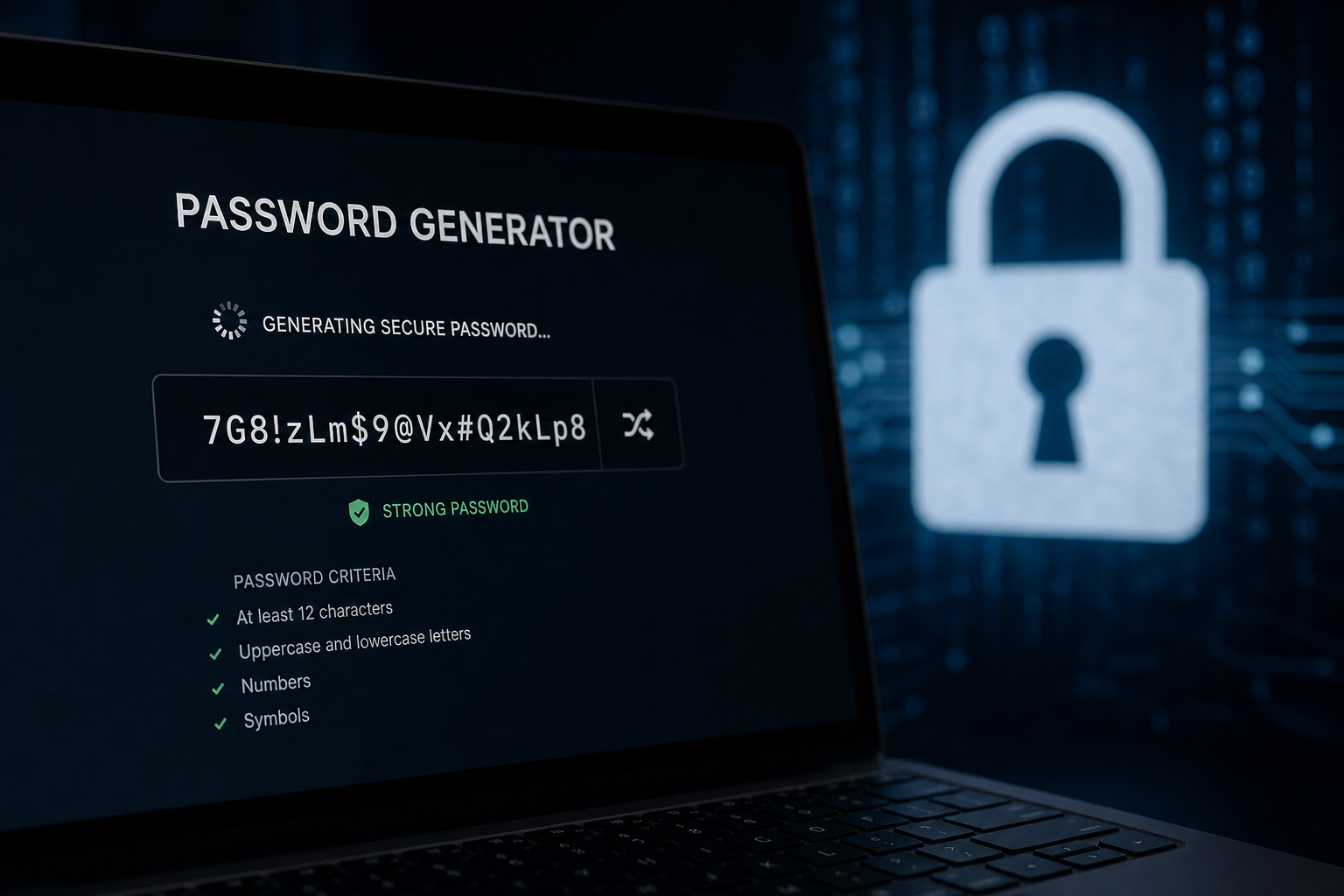
Generate strong random passwords with cryptographically secure methods. Practical tips for users and developers building auth flows.
Why Secure Password Generation Still Matters in 2026
Credential stuffing, phishing, and offline hash cracking remain the dominant paths to account takeover across consumer and enterprise applications. Attackers no longer need to guess your password character by character when breach dumps supply millions of reusable pairs. A single weak credential on a low-value forum can unlock corporate email if users recycle secrets. Secure password generation is therefore not a nice-to-have checkbox during onboarding; it is a foundational control that reduces incident frequency and limits blast radius when other defenses fail. Security-conscious teams treat generated passwords as disposable credentials paired with multi-factor authentication rather than memorable phrases users will reuse everywhere.
Modern guidance from NIST Special Publication 800-63B de-emphasizes forced rotation and arbitrary complexity rules that encourage predictable patterns like Summer2024!. Instead, the emphasis falls on minimum length, breach checking, and blocking commonly compromised strings. Developers implementing signup flows should generate initial passwords for invited users rather than allowing blank or trivial defaults. Operations teams provisioning service accounts must avoid shared passwords stored in chat logs. ToolsFree.org advocates browser-based generation so secrets never traverse logging pipelines on their way to a clipboard.
The practical goal is entropy: unpredictability measured in bits. A randomly generated sixteen-character password drawn from ninety-five printable ASCII symbols carries roughly one hundred bits of entropy under ideal conditions, far beyond what offline cracking against bcrypt or Argon2 can feasibly exhaust. Compare that to an eight-character password with mandated uppercase, digit, and symbol requirements but chosen by a human—often under thirty bits once dictionary heuristics apply. Generation tools exist precisely because humans are poor random number generators.
Length, Character Sets, and the Complexity Debate
Password length dominates effective security more than symbol mandates once hashing and salting are implemented correctly on the server. Each additional random character multiplies the search space exponentially. A policy requiring twelve characters minimum with no composition rules typically outperforms an eight-character policy demanding uppercase, lowercase, numbers, and symbols, because users satisfy the latter with Password1! variants attackers already prioritize. When you configure a Password Generator, prioritize length sliders starting at sixteen characters for human-managed secrets and twenty-four or more for machine credentials.
Character set selection involves trade-offs between entropy per character and compatibility with legacy systems. Some mainframes reject certain punctuation; some mobile keyboards make symbol entry painful, nudging users toward shorter secrets. Passphrases composed of random words from a large dictionary can achieve high entropy with easier typing, but only if word selection is truly random—not a famous quote or song lyric. For API keys and database passwords stored only in secret managers, use full ASCII or base64-style alphabets without usability constraints.
Composition rules also interact with hashing algorithms. Client-side generation produces the plaintext once; the server should never store reversible encryption. Argon2id, scrypt, or bcrypt with appropriate cost parameters transform the password into a verification token resistant to GPU farms. Long generated passwords remain secure even if composition is simple, provided the hash function is modern and salts are unique per user. Document your minimum length in public security pages so users understand expectations without reading RFCs.
- Prefer sixteen or more characters for accounts you manage manually.
- Use cryptographically secure random sources, never Math.random() in JavaScript for secrets.
- Allow paste and password managers; blocking them increases reuse and weak choices.
- Check new passwords against breach corpora such as Have I Been Pwned k-anonymity APIs.
Entropy, Randomness, and Common Generation Mistakes
Entropy is the logarithm of the number of equally likely outcomes. If your generator picks uniformly from sixty-two alphanumeric characters and produces twelve characters, entropy is approximately twelve times log2(62), roughly seventy-one bits. That math assumes independence between characters—an assumption violated when users pick passwords themselves. Developers sometimes implement generation with weak pseudo-random number generators or time-seeded algorithms an observer can narrow. Always use platform CSPRNG APIs: crypto.getRandomValues in browsers, secrets module in Python, SecureRandom in Java, and RandomNumberGenerator.Create in .NET.
A frequent mistake is substituting obfuscation for randomness. Replacing letters with leetspeak, appending exclamation points, or rotating through keyboard walks does not materially increase entropy against optimized crackers. Another mistake is generating once and reusing across environments—staging and production must never share credentials. Teams also forget that generated passwords in pull requests, Slack messages, or ticket comments become instant liabilities. Generate locally, copy through a manager, and rotate if exposure is suspected.
Service accounts and CI/CD secrets deserve the same rigor as human passwords but are often shorter and static for years. Automate rotation where possible and store values in vaults with audit trails. When demonstrating features to clients, use disposable credentials deleted after the session. The Password Generator on ToolsFree.org runs entirely in your browser, which means generated strings are not logged server-side—a meaningful privacy property when creating production-adjacent secrets from an untrusted network.
Integrating Password Generation into Application Workflows
Product teams embed password generation at three common touchpoints: user registration, admin-provisioned accounts, and credential reset flows. Registration should offer a generate button that fills a masked field and encourages saving to a manager rather than emailing plaintext. Admin consoles generating temporary passwords must force change-on-first-login and expire unused invitations. Reset flows should invalidate sessions globally when a password change completes successfully, preventing stale tokens from surviving compromise recovery.
API design considerations include never returning generated passwords in GET responses, rate-limiting generation endpoints to prevent abuse as an oracle, and ensuring accessibility: screen readers must announce when a new password is created. Mobile apps should integrate with OS autofill frameworks. Backend validation must accept long passwords—artificial max lengths below sixty-four characters still appear in legacy code and break passphrases. Unicode normalization matters if you allow international characters; NFC normalization before hashing avoids duplicate accounts with visually identical passwords.
For bulk provisioning, scripts should call secure libraries rather than piping output from online tools, unless operators explicitly want a zero-server-trust model. Document whether special characters require URL encoding when embedded in connection strings. PostgreSQL, MySQL, Redis, and MongoDB connection URIs each treat reserved characters differently. Testing generated passwords against your login form before mass rollout catches encoding and maxlength bugs early.
const password = Array.from(crypto.getRandomValues(new Uint8Array(24)))\n .map(b => "ABCDEFGHJKLMNPQRSTUVWXYZabcdefghijkmnopqrstuvwxyz23456789!@#$%"[b % 67])\n .join("");Password Managers, Teams, and Shared Secrets
Individual password managers remain the best companion to strong generation. They store unique credentials per site, autofill login forms, and sync encrypted vaults across devices. Enterprise managers add shared folders, role-based access, and event logging for compliance. Generated passwords mean little if users revert to memorizing one master pattern; managers remove the reuse incentive. Browser built-in managers improve steadily, but dedicated apps offer richer sharing and breach monitoring integrations teams expect.
Shared team secrets—deployment keys, webhook HMAC seeds, demo account passwords—need generation plus custody policy. Use manager shared items instead of wiki pages. Rotate when team members depart. Avoid emailing generated passwords; use one-time secret links with expiry if managers are unavailable. For on-call handoffs, prefer break-glass vault entries with alerting rather than SMS plaintext. Document who may regenerate versus who may only read.
When evaluating whether to generate in-browser versus in-manager, consider threat model: browser tools like ToolsFree.org keep material off server disks, while local manager generation keeps material off the network entirely. Both beat ad hoc human creation. Train new hires to generate unique passwords during account setup rather than importing personal reuse habits into corporate identity providers.
Testing, Validation, and Compliance Checklists
Quality assurance for password features should include functional tests and security tests. Functionally verify generated strings meet configured length and charset, copy buttons work, and screen readers announce updates. Security tests attempt login with previously valid passwords after reset, verify lockout policies, and confirm passwords never appear in analytics payloads or error reports. Penetration testers often find generated passwords logged at INFO level during debugging—grep repositories and logging configs before release.
Compliance frameworks reference password controls explicitly. PCI DSS requires strong cryptography for storage; SOC 2 audits ask how defaults are set for new users; HIPAA environments need access revocation procedures tied to credential lifecycle. Generated passwords simplify evidence collection because policy enforcement can be deterministic rather than subjective interviews about user habits. Maintain records of generation standards—length, charset, banned list checks—even when actual generation happens client-side.
Regression testing after dependency upgrades catches subtle breaks: crypto API changes, clipboard permission prompts on Safari, and Content Security Policy blocking inline generation scripts. Snapshot tests on password strength meters ensure UI honestly reflects entropy rather than rewarding predictable patterns. If you integrate zxcvbn or similar libraries, tune them for generated random strings so they do not falsely warn on high-entropy output missing symbols.
A Practical Daily Workflow with Browser-Based Tools
Developers and IT staff generate passwords throughout the day: new cloud console users, Wi-Fi PSK rotation, database roles, and OAuth client secrets presented in password-like formats. A practical workflow keeps a Password Generator bookmarked, generates with one click, copies directly into a manager or form, and clears clipboard after thirty seconds where OS support exists. Avoid leaving generated strings in notepad files on shared desktops or unencrypted mobile notes.
When onboarding contractors, generate distinct credentials per system rather than one shared password distributed in a spreadsheet. Pair generation with MFA enrollment in the same session so accounts are not left single-factor overnight. For personal use, generate unique passwords for every retailer, forum, and utility account; the cognitive load is zero once a manager autofills. Teach family members the same habit during holiday tech support visits—it prevents one streaming service breach from compromising email.
ToolsFree.org positions its Password Generator alongside other utilities so you can format JSON responses, encode URLs, and generate credentials without creating accounts or accepting tracking cookies. That cohesion matters on locked-down corporate laptops where installing desktop apps requires tickets. Browser-based generation aligns with zero-trust assumptions: the server never learns secrets you create, and you retain control over when data leaves the tab.
Generate cryptographically strong passwords instantly—nothing leaves your browser. Password Generator →