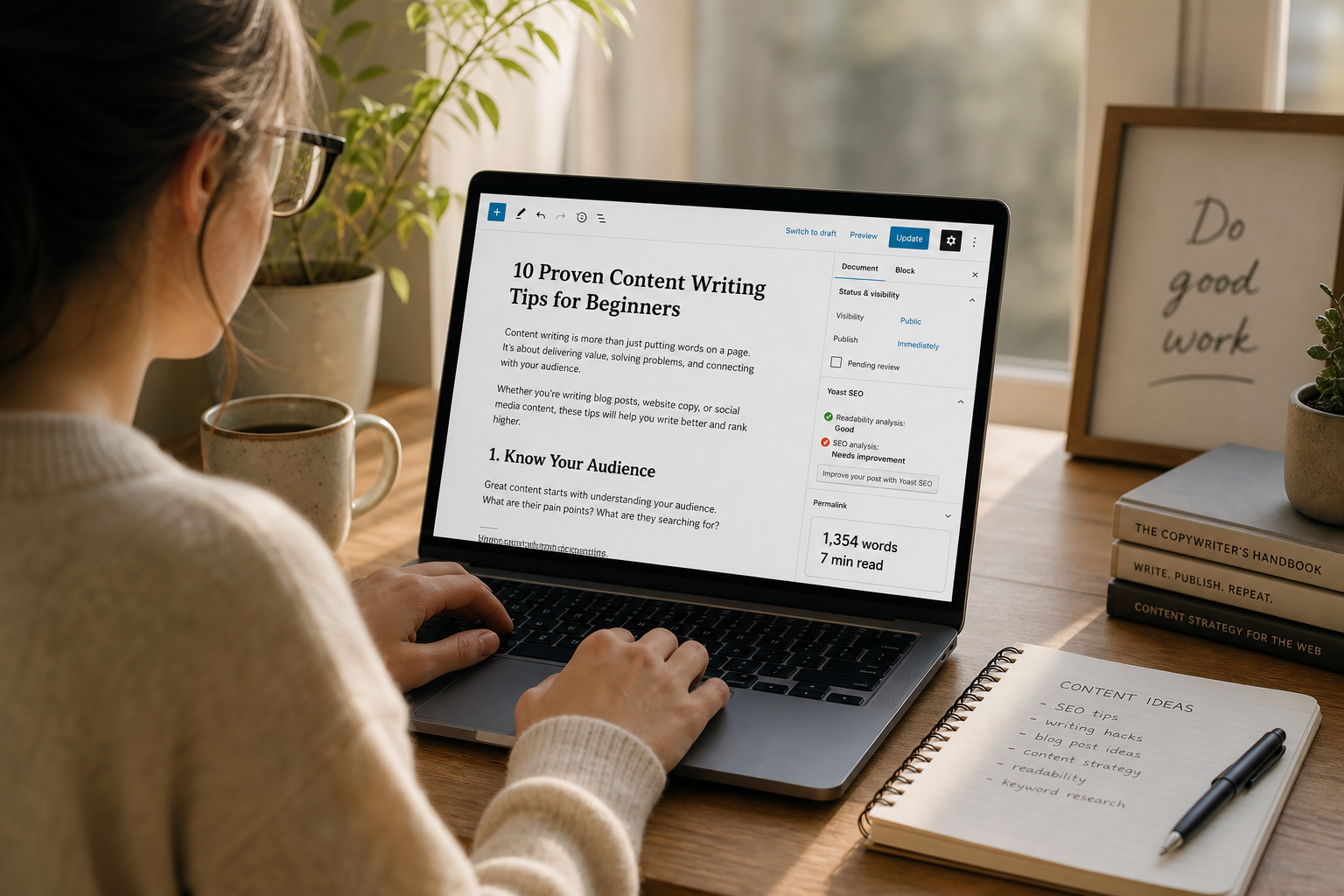
Estimate reading time from word count for blogs, newsletters, and SEO content. Practical targets for writers and marketers.
Why Reading Time Estimates Influence Engagement
Readers use estimated reading time as a commitment signal before they invest attention in an article, newsletter, or documentation page. A clear eight-minute label sets expectations better than an endless scroll with no cue. Publishers commonly divide word count by a words-per-minute assumption grounded in readability research, often near two hundred to two hundred fifty words per minute for adult silent reading of nonfiction English. The Word Counter on ToolsFree.org gives you an immediate count so your estimate stays honest as drafts evolve.
Inaccurate estimates erode trust when a “three-minute read” clearly takes twelve. Inflated counts from embedded code blocks, changelog dumps, or repeated navigation text can skew formulas. Define what you include: prose only, or prose plus captions. Document the rule in your CMS so every author calculates consistently. Transparent methodology matters as much as the number displayed beside the byline.
Editorial calendars improve when estimated minutes are visible beside draft titles in planning boards. Product marketers can balance a mix of quick tips and deep tutorials without guessing from headlines alone. Engineers writing docs can flag pages that exceed a cognitive budget for a single sitting and split them into a series. Shared visibility of reading time turns an invisible attribute of prose into a planning input that teams can discuss constructively during editorial meetings each week without relying on gut feel about length.
Choosing a Words-Per-Minute Baseline
There is no single universal reading speed. Native language, topic familiarity, device, and typography all change throughput. Technical documentation may be consumed slower than lifestyle blogging because readers pause to try commands. Many product teams pick 200–238 WPM for marketing blogs and a lower rate for developer docs. Publish your chosen constant next to the estimator code so future editors do not “tune” it silently to make posts look shorter.
If you localize content, do not assume English WPM applies unchanged to other languages with different average word lengths. Some teams estimate by character count for languages without clear whitespace-delimited words. Whatever approach you select, keep it stable within a language edition. Recalculate when migrating CMS platforms so legacy posts do not show stale times generated under a different formula.
When freelancers submit drafts, ask them to include a word count from the Word Counter in the delivery checklist so editors do not rediscover thin sections at the last minute. Establish a shared CMS field for minutes so analytics can join on a consistent metric across the quarter. You will see which topics deserve sequels because readers finish them and request more depth in comments or support tickets related to the same subject matter over successive releases and campaign cycles.
- Marketing blog: often ~200–238 WPM
- Developer docs: consider a slower WPM
- Localized sites: revisit assumptions per language
- Always document the constant in CMS config
What to Count: Body Prose vs Chrome
Word counters that scrape an entire HTML page will include menus, footers, related-post boilerplate, and cookie banners. Those words are not part of the reading experience you intend to estimate. Count the article body, blockquotes, and figure captions you expect people to read. Exclude twin language toggles and author bio duplicates appended by themes. The Word Counter works well when you paste the cleaned body text rather than the full page source.
Code samples complicate estimates: some readers skim them, others study every line. A pragmatic approach counts code at a reduced weight or excludes large generated dumps. Tables of numeric data may be scanned rather than read linearly. Decide with your editorial board and apply the rule uniformly. Consistency beats perfect psychological modeling for most publishing workflows.
Drafting With Live Word Counts
Writers benefit from checking counts while outlining sections, not only at the end. If each H2 section targets roughly one hundred fifty to two hundred words, a eight-section article naturally approaches a meaningful depth range. Paste section drafts into the Word Counter to verify you are not rushing explanations. Thin sections often signal missing examples or unstated assumptions that will confuse newcomers.
Editors can set gates: tutorials under a minimum word count need richer steps; opinion pieces over a maximum may need trimming for focus. Word count is not quality by itself, yet it correlates with whether a topic was covered with enough care for SEO-relevant comprehensiveness. Pair counts with clarity reviews rather than rewarding length alone. Readers notice padding faster than algorithms do.
SEO, Helpful Content, and Honest Signals
Search guidance rewards content that satisfies user intent, not arbitrary length targets. Still, shallow posts that omit steps lose both rankings and trust. Use reading time as a user-interface affordance, not as a ranking hack. Avoid stuffing synonyms to inflate counts; that harms readability metrics and human satisfaction. Structure with descriptive headings so skimmers and deep readers both succeed.
Internal links to tools should feel contextual. Mentioning the Word Counter when discussing estimates is natural; sprinkling unrelated widgets is not. On ToolsFree.org, writers covering developer utilities can point to All Tools when a tutorial genuinely uses multiple helpers. Honest cross-links help humans and clarify topical relevance without manipulative patterns.
Automation in Static Sites and CMS Pipelines
Static site generators often compute reading time at build time from markdown word counts. Ensure shortcodes and MDX components do not inject huge invisible strings into the counter. Snapshot tests can fail when incidental whitespace changes counts by one; prefer stable rounding rules such as always rounding up to the next minute. Cache estimated minutes in front matter if builds are expensive, and refresh when the body changes.
For CMS-driven editorial workflows, run a server-side counter on save and display it to authors before publish. Allow manual override sparingly for multimedia-heavy pieces where time is dominated by video. Log overrides so editors can audit outliers. When content is syndicated, recompute on the destination site rather than trusting upstream labels that used another WPM constant.
// Simple estimator
function readingMinutes(wordCount, wpm = 220) {
  return Math.max(1, Math.ceil(wordCount / wpm));
}
Accessibility and Multimodal Content
Reading time assumes visual reading of text. Audio versions, transcripts, and videos need different labels such as listen time or watch time. If you provide both article and podcast forms, label each medium separately to avoid confusing assistive technology users and sighted readers alike. Captions and transcripts should be counted for reading estimates only when they are the primary way to consume the piece.
Typography choices affect real reading speed: line length, font size, and contrast all matter. WCAG-oriented presentation helps more people finish articles comfortably. Do not reduce font size to manipulate how long a piece “feels.” Pair good design with accurate estimates and clear headings. The result is respect for reader time—a core editorial value.
A Writer’s Checklist Before Publishing
Paste the final body into the Word Counter, apply your WPM constant, and update the displayed minutes. Skim headings for promise-versus-delivery gaps. Confirm code blocks are intentional and not duplicated. Check that CTAs pointing to utilities like those on All Tools match the tutorial steps. Verify metadata descriptions do not claim a shorter read than your formula produces.
Over time, compare bounce and scroll metrics against labeled reading times to see whether estimates match behavior on your audience. Adjust WPM rarely and globally when evidence supports a change. Keep the workflow lightweight enough that authors actually follow it under deadline pressure. Accurate reading time is a small feature that signals editorial care on every article page.
- Count cleaned article body text only
- Apply a documented WPM constant
- Round minutes consistently
- Recompute after substantive edits
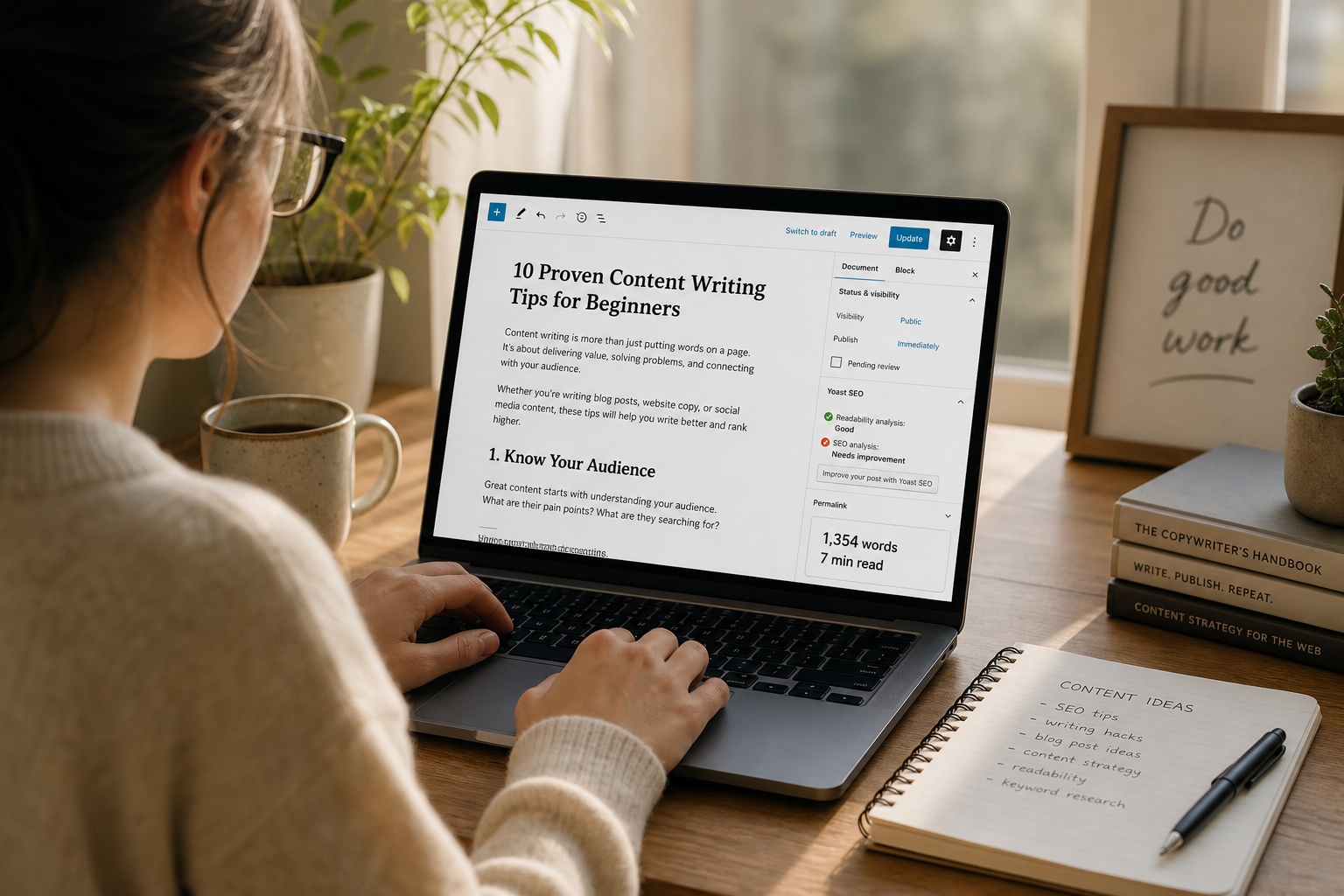
Count words and estimate reading time with the Word Counter. Word Counter →