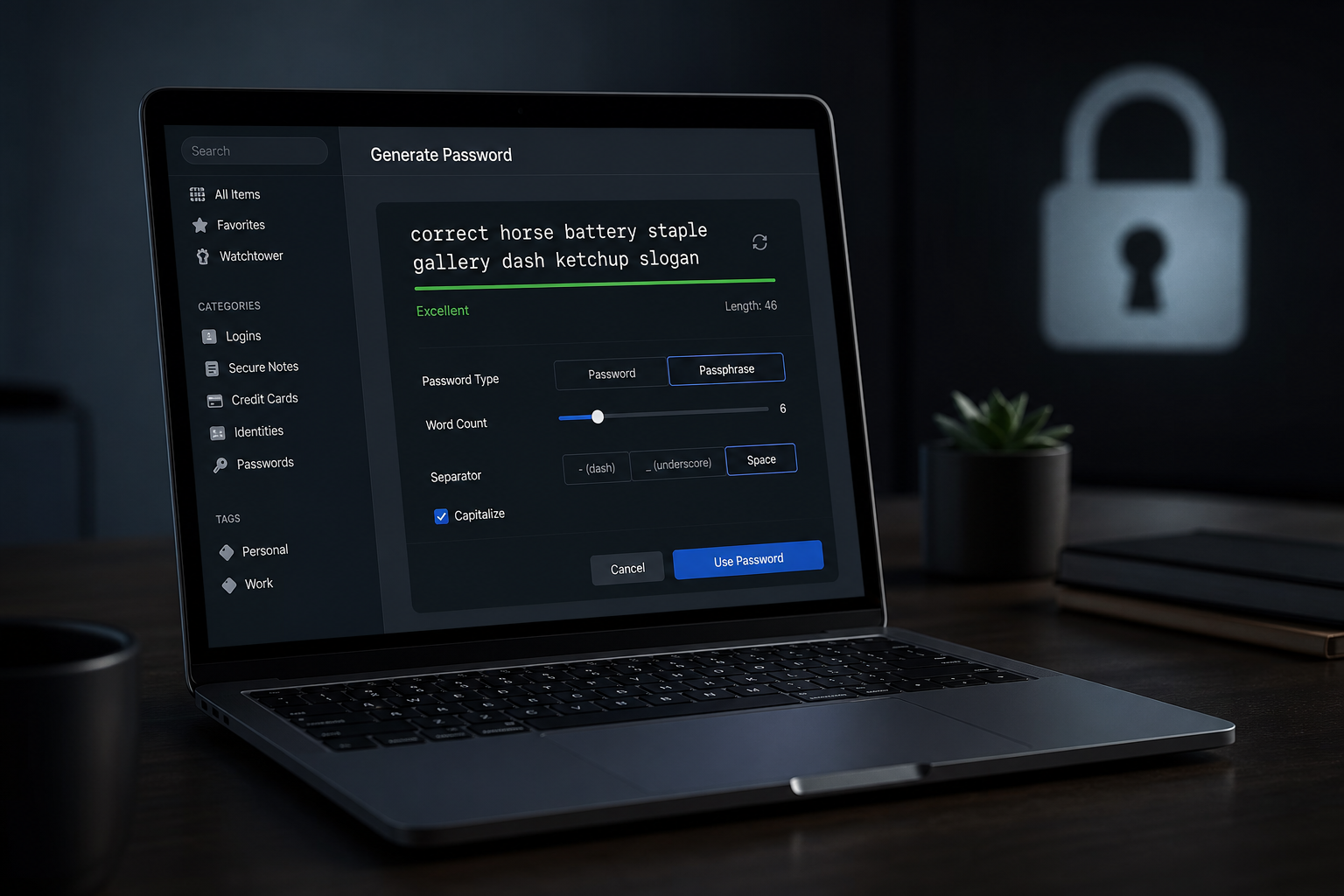
Compare memorable passphrases with random generated passwords. Learn length, entropy, and when each approach works best.
Why Length and Unpredictability Matter More Than Complexity Theater
Password advice spent decades pushing short strings with mandatory uppercase letters, digits, and symbols. Those composition rules often produced predictable patterns such as Summer2024! that attackers model easily. NIST Special Publication 800-63B shifted emphasis toward longer secrets, breach screening, and rate limiting instead of frequent forced rotation. A randomly generated twenty-character password and a four-word diceware passphrase can both deliver strong resistance to guessing when the selection process is truly random. The Password Generator on ToolsFree.org helps you generate either style without inventing biased human patterns.
Entropy measures how many guesses an attacker needs in the worst case assuming uniform selection from a known alphabet or word list. Human-chosen passwords rarely approach theoretical entropy because people reuse themes, keyboard walks, and personal facts. Passphrases trade character-set complexity for length by concatenating ordinary words, which can be easier to type and remember for accounts that cannot use a manager. Random passwords maximize entropy per character and shine when a password manager stores and autofills them. Choosing between the two depends on threat model, device constraints, and whether a human must memorize the secret.
How Random Passwords Achieve High Entropy Quickly
A password drawn uniformly from a large character set grows strong with each additional character. Cryptographic generators in password managers and the Password Generator sample from CSPRNG sources rather than Math.random style PRNGs unsuitable for secrets. Avoid ambiguous characters only when humans must read them aloud; otherwise keep the full alphabet to maximize space. Never generate passwords from quotes, song lyrics, or keyboard patterns, even if you sprinkle digits at the end to satisfy outdated policies.
Length recommendations commonly land between sixteen and twenty-four characters for high-value accounts when multi-factor authentication is also enabled. Longer is better when the service truncates silently or when offline hash cracking is a realistic threat after a database breach. Pair generation with unique passwords per site so one leak does not cascade. Store secrets in a reputable manager and unlock it with a strong master passphrase plus device biometrics where available.
- Use a CSPRNG-backed generator, not ad-hoc scripts
- Prefer unique passwords per account without reuse
- Favor length over obligatory symbol gymnastics
- Enable MFA wherever the service supports it
Passphrases: Diceware, Word Lists, and Memorability
Passphrases select words from a large public list using dice or equivalent randomness, then join them with spaces or separators. A six-word phrase from a list of thousands of words can rival a shorter random character string in entropy while remaining typeable on constrained devices. Spacing and capitalization policies vary; the important property is unbiased word selection, not clever substitutions like replacing o with zero. Document your scheme so future you does not “improve” the phrase into something weaker.
Memorability helps for master passwords, disk encryption, and rare recovery codes that managers cannot easily autofill. For everyday website logins, a manager-filled random password usually beats a memorized passphrase because you will not reuse it. Teach teams that passphrase strength comes from the word count and list size, not from inserting punctuation in predictable positions. The Password Generator can generate passphrase-like strings when you need a quick alternative during account setup.
Comparing Usability, Typing Errors, and Support Costs
Random passwords are hard to type on televisions, kiosks, and shared terminals, which drives users toward weaker manual choices if managers are unavailable. Passphrases reduce typo rates for some people but increase length-related mistakes on mobile keyboards with aggressive autocorrect. Measure help-desk reset volume after policy changes; a theoretically stronger policy that causes mass resets can harm security through fatigue and insecure temporary passwords. Balance cryptographic strength with realistic human factors guidance from NIST and your own support metrics.
When onboarding employees, demonstrate both styles and explain which accounts require manager storage. Prohibit sharing passwords via chat; use temporary grant systems instead. Encourage screening new passwords against known breach corpora where the identity provider supports it, aligning with NIST guidance to reject commonly compromised secrets. Tools on All Tools support related developer workflows without replacing your organization’s identity platform.
Threat Models: Online Guessing vs Offline Hash Cracking
Online attacks face rate limits, CAPTCHAs, and lockouts, so moderately long unique secrets often suffice when MFA is present. Offline attacks against stolen password hashes are far more dangerous because attackers try billions of guesses offline. Hashing algorithms, salts, and pepper values change the economics, but users still benefit from high-entropy inputs that exhaust attacker budgets. If your organization stores passwords, follow modern slow hashing practices and never invent homemade schemes.
Demonstrate hash outputs with the Hash Generator only on sample strings to teach that hashing is one-way yet still brute-forceable for weak inputs. Do not paste real production passwords into any tool. For sensitivedemonstrations, generate throwaway examples with the Password Generator and show how short predictable strings fall quickly in lab cracking exercises. Educating developers about offline risk motivates unique high-entropy secrets better than abstract policy PDFs.
# Illustrative comparison (not a security proof)
# Random 20-char from 95 printable ASCII ≈ high entropy
# Diceware 6 words from ~7776-word list ≈ strong passphrase
# "P@ssw0rd1" ≈ negligible entropy despite symbols
Policy Design That Does Not Undermine Users
Ban password hints that restate the secret and disallow security questions with public answers. Avoid mandatory monthly rotation unless compromise is suspected; NIST notes that rotation encourages trivial increments. Set generous maximum lengths so passphrases are not truncated by legacy validators. Allow paste into password fields so managers work correctly on the web. Publish examples of acceptable passphrases and random passwords without recycling those examples as real secrets.
Composition rules should be minimal: block breached passwords, require sufficient length, and encourage managers. If compliance regimes still demand character classes, generate random passwords that satisfy them automatically rather than forcing humans to invent compliant patterns. Review legacy systems that silently truncate beyond eight or sixteen characters—those systems need upgrades more than stricter user education. Align application password fields with the same limits documented in your public help center.
When to Prefer Passphrases vs Manager-Backed Random Secrets
Prefer manager-backed random passwords for the vast majority of website and SaaS logins where autofill works. Prefer a long memorized passphrase for the manager’s master secret, full-disk encryption, and certain offline scenarios. Prefer hardware keys and passkeys when services offer phishing-resistant authentication that reduces password dependence entirely. Hybrid approaches are normal: passkeys for modern apps, random passwords for legacy VPN portals, and a strong passphrase guarding the vault.
For shared infrastructure break-glass accounts, use randomly generated secrets stored in a controlled vault with dual control, not clever team passphrases spoken aloud. Rotate break-glass credentials after use and audit access. Document recovery paths so a forgotten master passphrase does not destroy institutional knowledge. Explore privacy-friendly generators on ToolsFree.org for personal use, and enterprise vaults for company secrets that require governance.
- Master vault secret: long random passphrase
- Everyday logins: unique random passwords in a manager
- Modern apps: prefer passkeys or hardware MFA
- Break-glass: vaulted random secrets with audit trails
Practical Generation Workflow on ToolsFree
Open the Password Generator when you need a quick, browser-local secret during development or personal account setup. Generate a candidate, store it in your manager immediately, and avoid writing it in tickets or screenshots. If you must share with a colleague temporarily, use an approved secret-sharing channel with expiry rather than email. Combine generation with unique usernames or email aliases where services allow, reducing correlation across breaches.
Developers building signup forms should support long passwords and paste events, then guide users toward managers instead of strength meters that reward predictable symbol placement. Link internal docs to All Tools for related encoding and hashing utilities used in test harnesses. Strong authentication is a system: generation quality, storage hygiene, MFA, and breach response all matter. Passphrases and random passwords both succeed when randomness is real and reuse is forbidden.
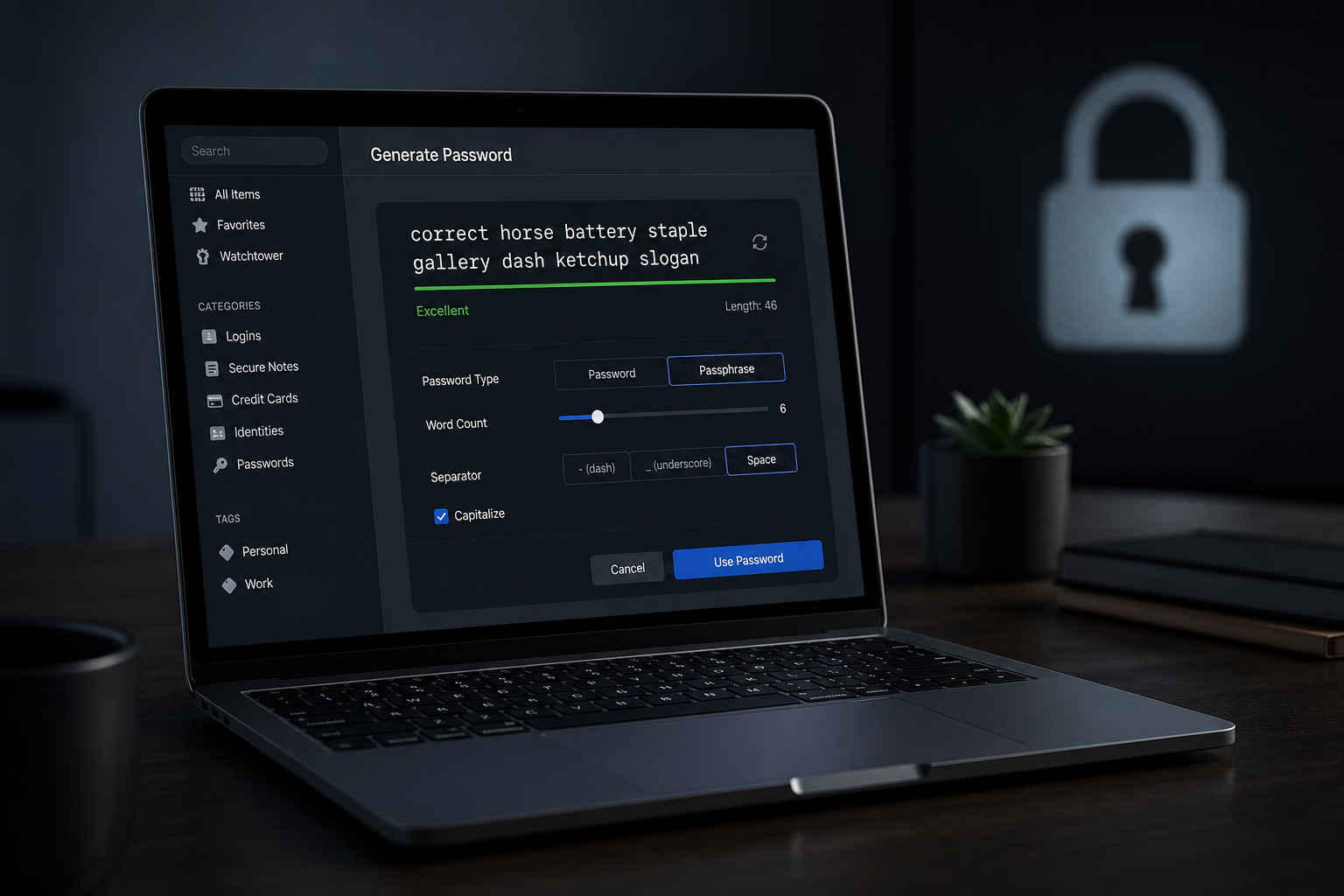
Generate a strong random password or passphrase instantly in your browser. Password Generator →