Learn how URL encoding works, why it matters in query strings and APIs, and how to safely encode and decode links in real projects.
Introduction
Every link on the web depends on URLs, but URLs are stricter than most people realize. They can only contain a limited character set. When raw text includes spaces, symbols, or non-English characters, the browser and server may interpret the data incorrectly. URL encoding exists to solve that problem.
For developers, understanding URL encoding and decoding is essential because it affects search pages, redirect URLs, API query parameters, email links, payment flows, analytics tags, and many other parts of an application. A single unencoded character can break a request or produce a wrong destination.
What URL Encoding Does
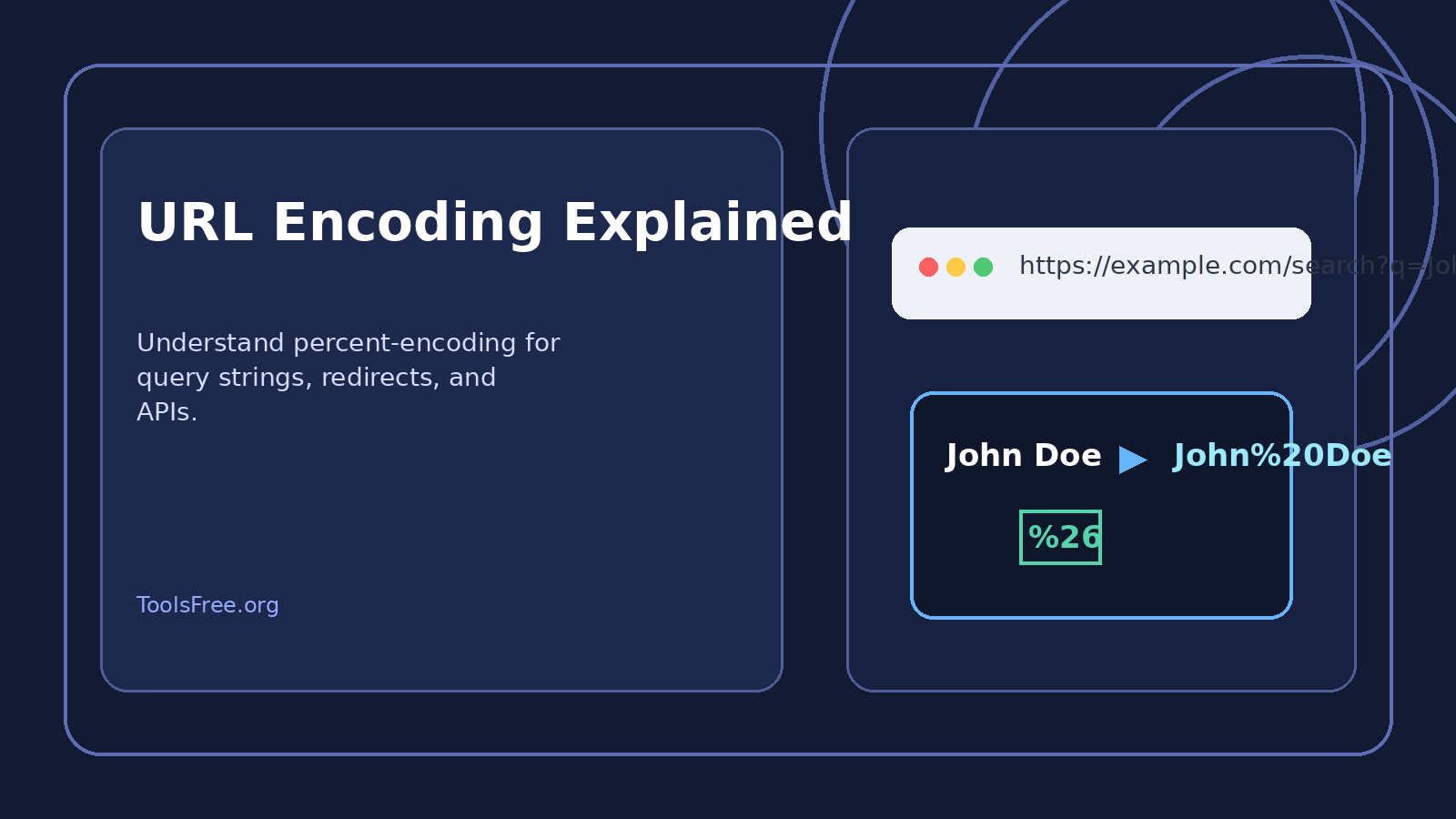
URL encoding converts unsafe characters into percent-encoded values. The letter and number characters are usually left alone, while reserved or special characters are replaced with a percent sign and a hexadecimal code. For example, a space becomes %20. The ampersand becomes %26. The question mark becomes %3F.
This lets the browser know which characters are data and which ones are part of the URL structure itself. Without this distinction, the server may think that the data starts a new query parameter or breaks the path into the wrong segments.
Why It Matters in Real Applications
Imagine a search URL like /search?q=John Doe. The space can confuse the parser if it is not encoded. The correct version is /search?q=John%20Doe. The same problem appears with product names, city names, filter values, and user-generated text.
APIs depend on this especially heavily. Query strings often include names, dates, redirect targets, payment references, or other dynamic values. Encoding keeps those values safe during transmission. That is why developers should never paste raw input directly into a URL when building requests.
Encoding and Decoding in Code
Most languages provide built-in helpers. In JavaScript, encodeURIComponent and decodeURIComponent are the standard choices for parameter values. In PHP, urlencode and urldecode are common. In frameworks like Laravel, these functions are often used behind the scenes when generating links or processing inputs.
The important rule is to encode the values that go into a URL, not the whole URL blindly. Developers often make the mistake of running encodeURIComponent on an entire address, which can produce unreadable or broken results if applied in the wrong place.
Common Mistakes
One mistake is double encoding. If a string is already encoded and then encoded again, a percent sign can become %25, which changes the meaning of the value. Another mistake is assuming that plus signs and spaces behave exactly the same everywhere. They do not in every context.
A third mistake is forgetting to decode the value when reading it back. If your app stores or displays encoded text without decoding, users may see ugly strings like John%20Doe instead of normal text.
SEO and User Experience
Clean URLs help users trust a page and help search engines understand the structure of a website. Encoding is not the same as SEO optimization, but it supports it by preventing broken links and malformed parameters. When combined with readable slugs and consistent routing, it improves overall usability.
International websites also benefit because encoding allows non-Latin characters to travel safely through browsers, servers, and third-party platforms. That is important for global traffic and multilingual products.
Conclusion
URL encoding and decoding are small concepts with large consequences. They influence APIs, search forms, redirects, analytics, and user experience across almost every web project. Developers who handle encoding correctly avoid a long list of bugs that are otherwise hard to trace.
For a developer tools website, this topic is highly useful because it connects directly to everyday workflow. Readers need a quick explanation, practical examples, and a tool they can use immediately.
Frequently Asked Questions
- Why is this topic important? Because it appears in daily development work and affects accuracy, usability, and debugging speed.
- Who is this article for? It is written for developers, site owners, and users who need practical explanations and a tool they can trust.
- How can ToolsFree.org help? It can provide quick browser-based tools that save time and reduce manual mistakes.
Try our free online tool on ToolsFree.org — no signup required.